14
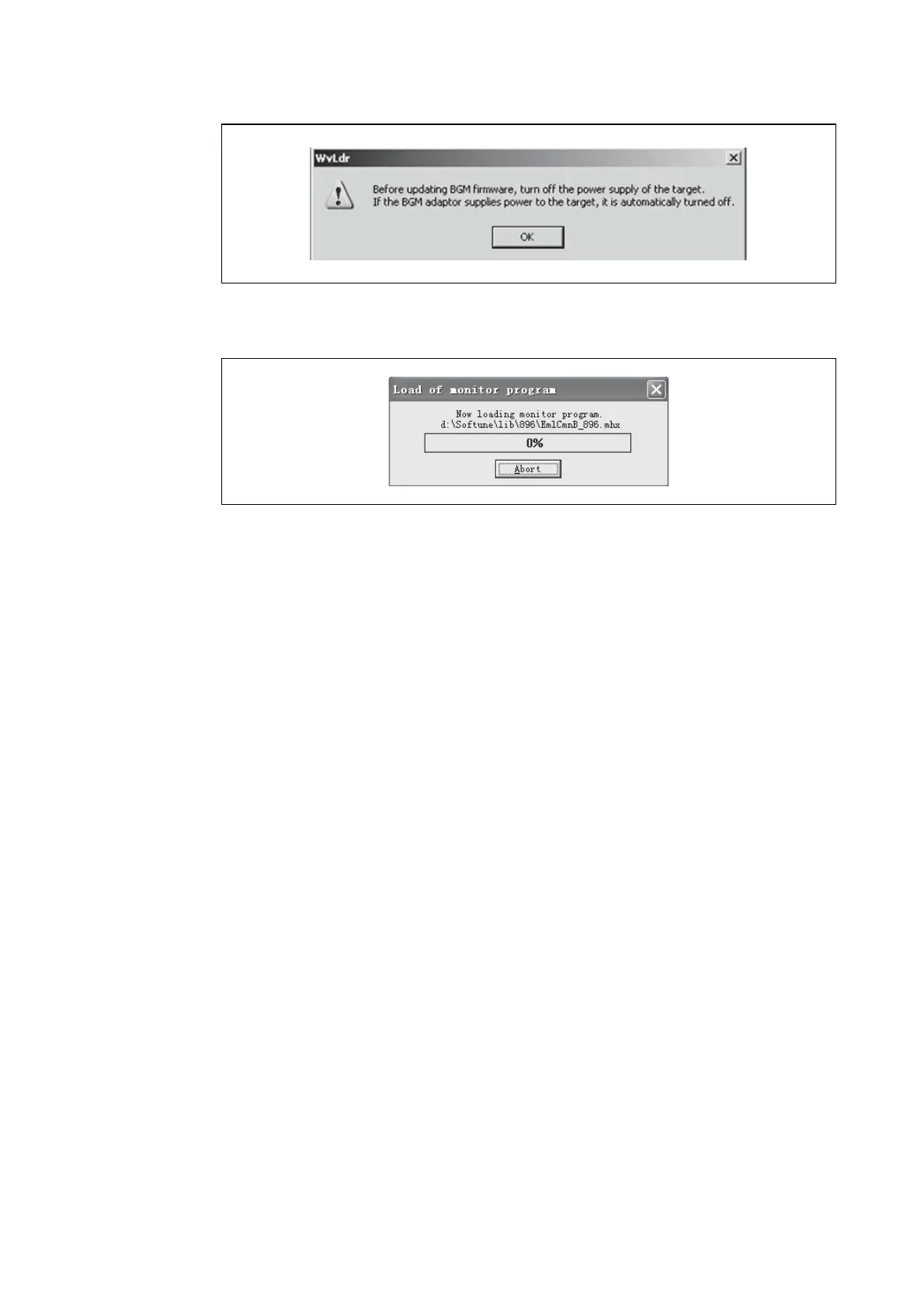
(6) When the following window pops up, turn off the power supply of target board.
Figure 16 Power-off
(7) Press the “OK” button, the following sub-window will pop up.
Figure 17 S
OFTUNE Upgrade
(8) If a user wants to stop the upgrading, press the “Abort” button.
(9) If the “Abort” button is not pressed, the Softune continues upgrading.
(10) When 100% upgrade is finished, the BGMA FW upgrading is completed.
When the version of the monitor program is the same, updating is not done.








 To Next Page