CONTENTS
INTRODUCTION
1 NAMES AND FUNCTIONS OF PARTS
2 BASIC SCANNER OPERATIONS
3 SCANNING VARIOUS TYPES OF
DOCUMENTS
3.1 Scanning Double Sided Documents
3.2 Scanning Different-width Documents
3.3 Scanning Documents longer than A4 size
3.4 Saving Scanned Images in PDF Format
3.5 Excluding a Color in the Image (dropout
color)
3.6 Skipping blank pages
3.7 Detecting Multi Feeds
4 DAILY CARE
5 REPLACING CONSUMABLES
6 TROUBLESHOOTING
7 DOCUMENT SPECIFICATIONS FOR ADF
8 OPTIONS
9 SCANNER SPECIFICATIONS
Appendix
3.6 Skipping blank pages(2)
1
2
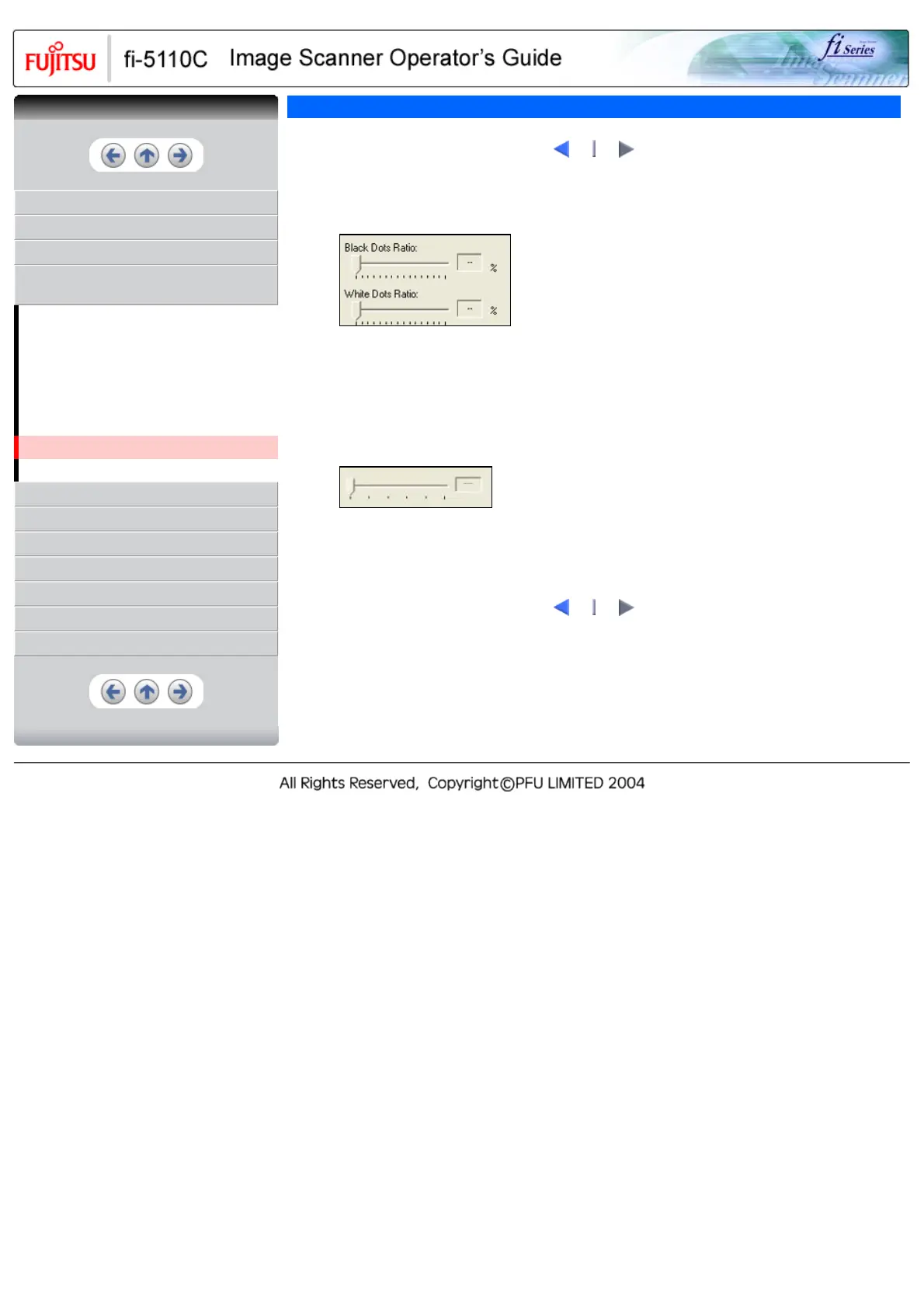
4. With the slider control under [Blank Page Skip], specify the Blank Page Skip degree.
<In Binary/Halftone mode>
For white pages, use the [Black Dots Ratio] slider bar to set the skip condition. For black pages, use
the [White Dots Ratio] scroll bar to set the skip condition.
The value displayed to the right of the scroll bar displays the noise ratio(*1). If a scanned document
is below this value, it is recognized as a blank page. The setting range is OFF(- -) and 0.2% to 3.0%
(in increments of 0.2%).
*1: Ratio of black dots included in the scanning area. (for white pages)
<In Color/Grayscale mode>
Use the slider bar to set the skip condition in five stages from 1 to 5. To make the blank pages easy
to skip, increase the value of the setting.
1
2
CONTENTS



 To Next Page
 Loading...










