CONTENTS
INTRODUCTION
1 NAMES AND FUNCTIONS OF PARTS
2 BASIC SCANNER OPERATIONS
3 SCANNING VARIOUS TYPES OF
DOCUMENTS
3.1 Scanning Double Sided Documents
3.2 Scanning Different-width Documents
3.3 Scanning Documents longer than A4 size
3.4 Saving Scanned Images in PDF Format
3.5 Excluding a Color in the Image (dropout
color)
3.6 Skipping blank pages
3.7 Detecting Multi Feeds
4 DAILY CARE
5 REPLACING CONSUMABLES
6 TROUBLESHOOTING
7 DOCUMENT SPECIFICATIONS FOR ADF
8 OPTIONS
9 SCANNER SPECIFICATIONS
Appendix
3.3 Scanning Documents longer than A4 size
1
2 3
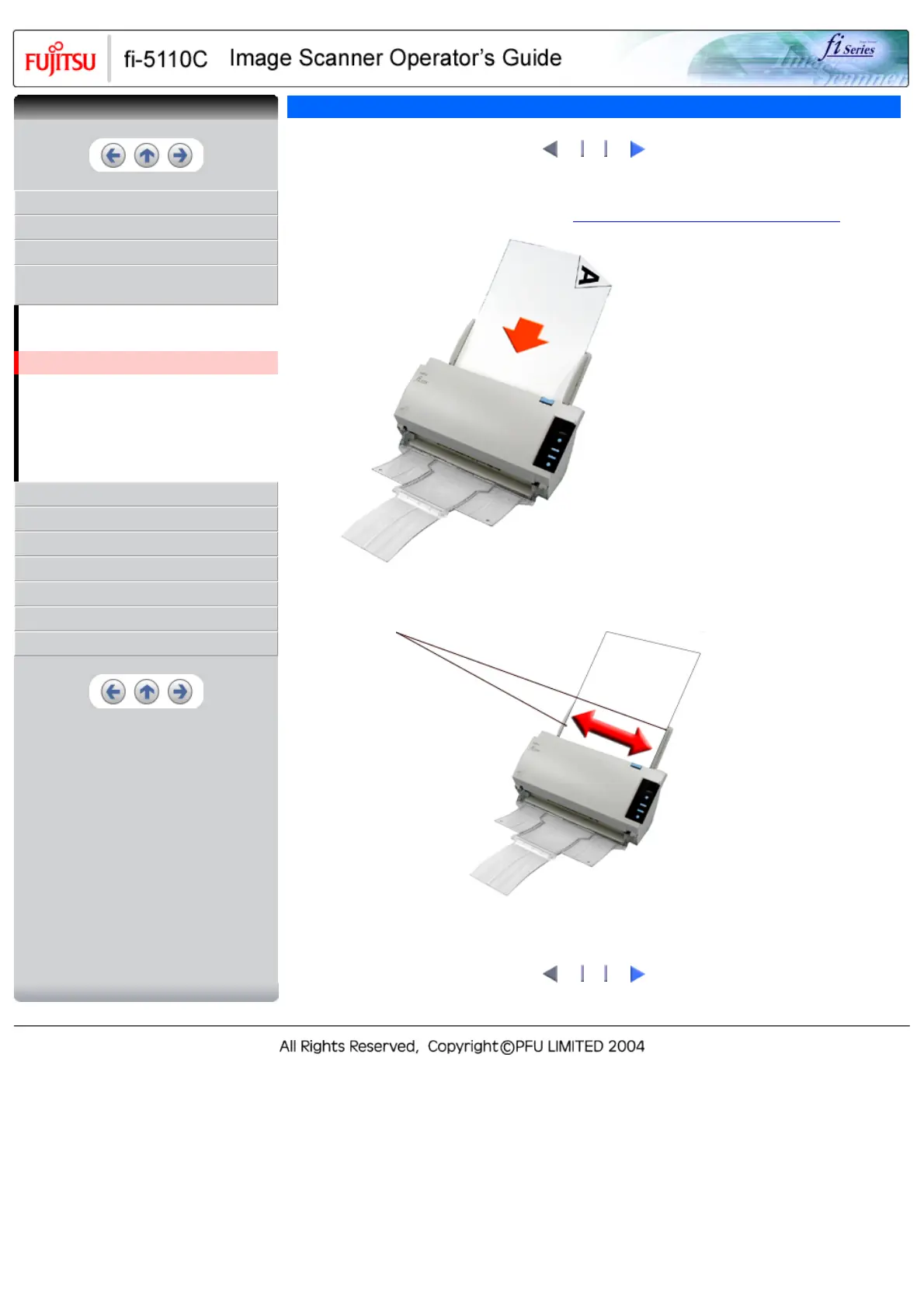
1. Load the documents on the ADF paper chute.
For details on loading documents, refer to "
2.2 Loading Documents on the ADF for Scanning".
Load the document with facing the ADF
paper chute.(face down)
2. Adjust the side guides to the document width.
Side
Guides
1
2 3
CONTENTS



 To Next Page
 Loading...










