Changing Profiles
This section explains how to change the scan settings for a profile.
1. Click the ScanSnap Manager icon in the Dock while holding down the
[control] key on the keyboard, and select [Settings] from the ScanSnap
Manager menu.
a The ScanSnap setup window appears.
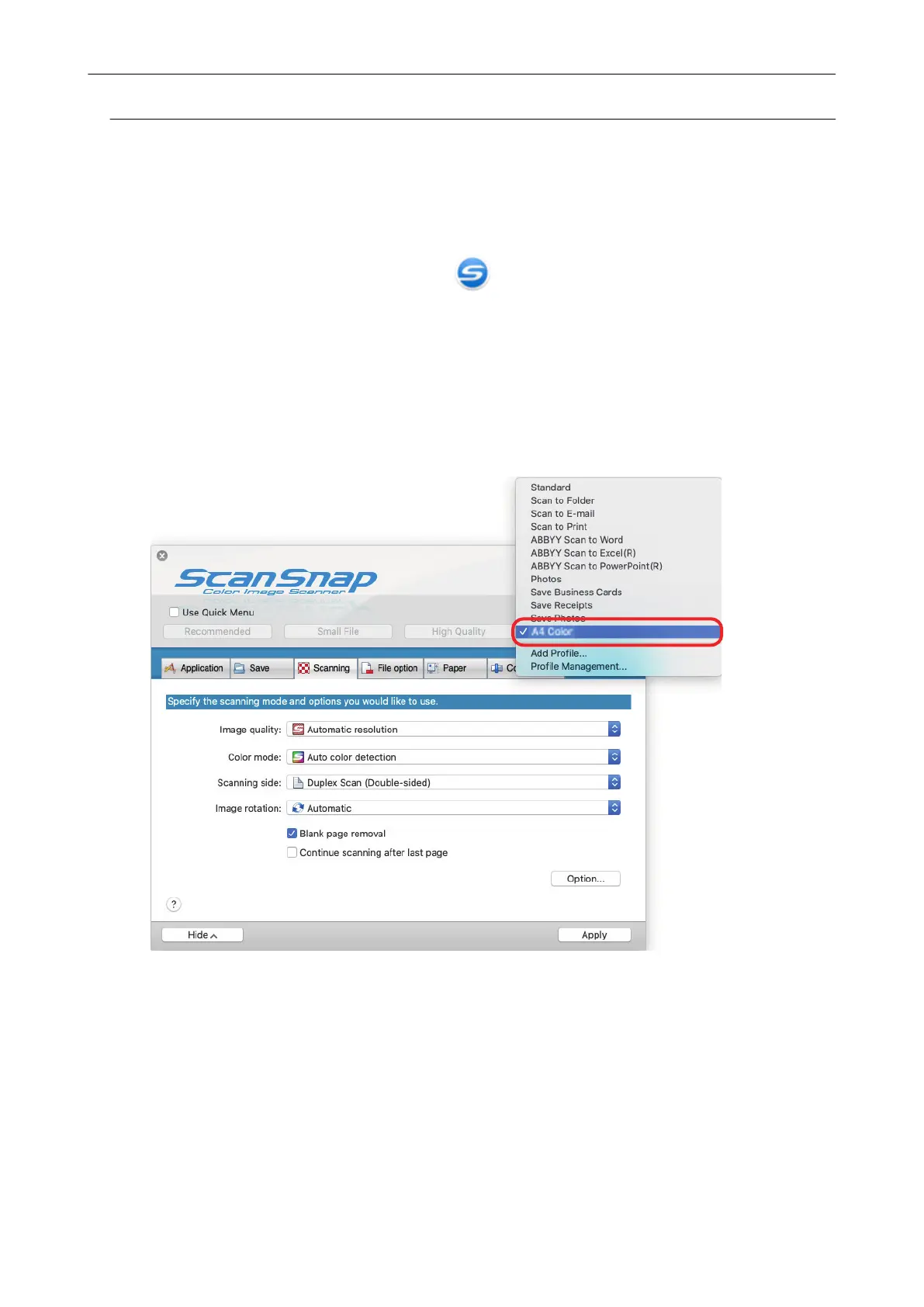
2. Clear the [Use Quick Menu] checkbox.
3. Select a profile to change from [Profile].
4. Configure the scan settings in each tab.
For details about each tab, refer to the ScanSnap Manager Help.
Profile Management
45



 To Next Page
 Loading...










