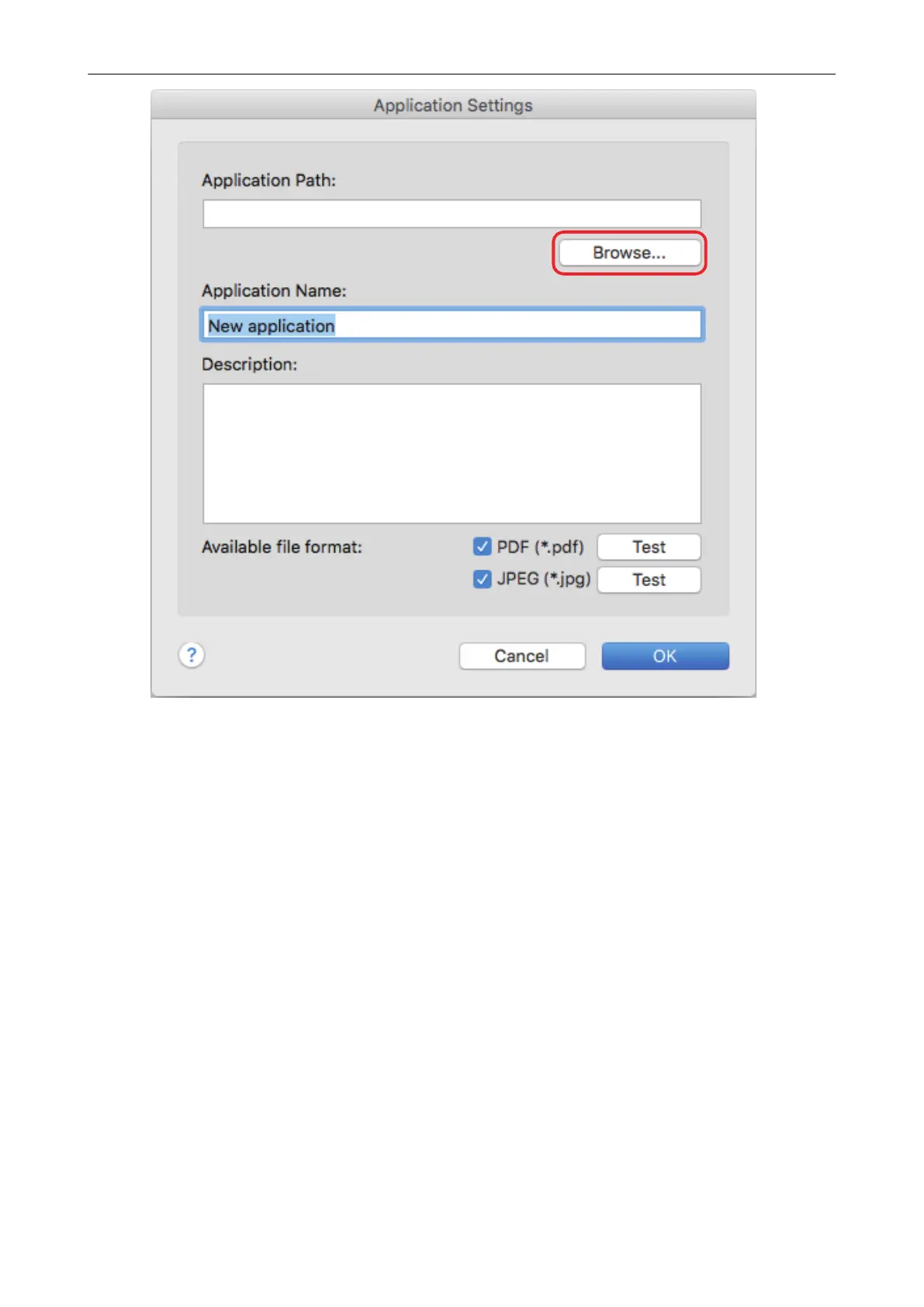
a An application selection window appears.
6. Select an application to be added, and click the [Choose] button.
a The application path is displayed in [Application Path] on the [Application Settings] window.
7. Enter the following items:
l Application Name
l Description
8. Under [Available file format], select the checkbox for a file format to be
linked.
Managing Linked Applications
94



 To Next Page
 Loading...










