13
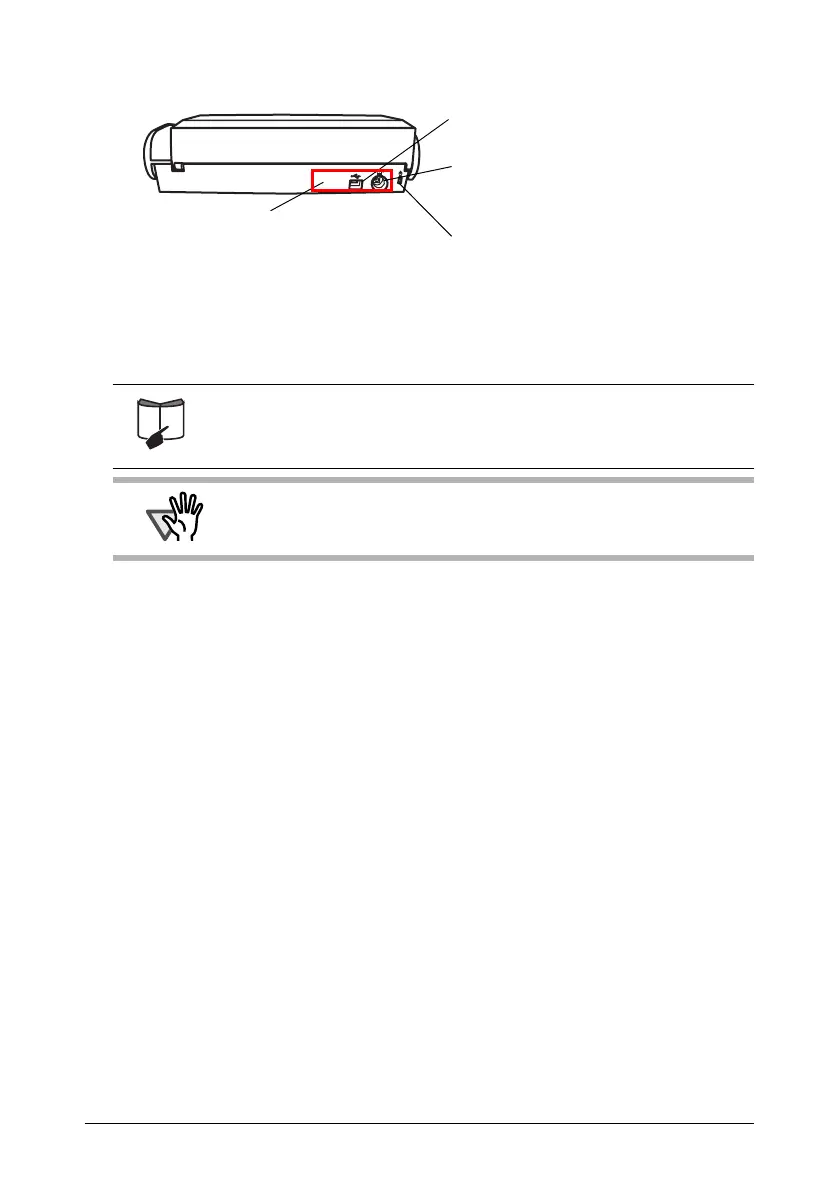
■ Rear View
For the Document Specification, refer to "3.2 Paper Sizes of
Documents to be Scanned" in "ScanSnap S300 Operator's Guide"
stored in the ScanSnap Setup CD-ROM.
ATTENTION
The scanner is turned on/off in conjunction with the connected personal
computer, or with opening/closing of the paper chute. Ordinary, you can
forget about turning on/off the ScanSnap.
USB connector
Connect a USB cable here.
Power connector
Connect either the Power cable or
USB bus power cable.
Security cable slot
You can plug a commercially available
security cable into this slot (anti-theft).
Adhesive label
Reminds you that the supplied
software has to be installed first.
After installing ScanSnap Manager
onto your computer, remove this
label to connect the scanner to the
PC.



 To Next Page
 Loading...













