FUNcube Dongle Copyright 2011 Page 12 of 23
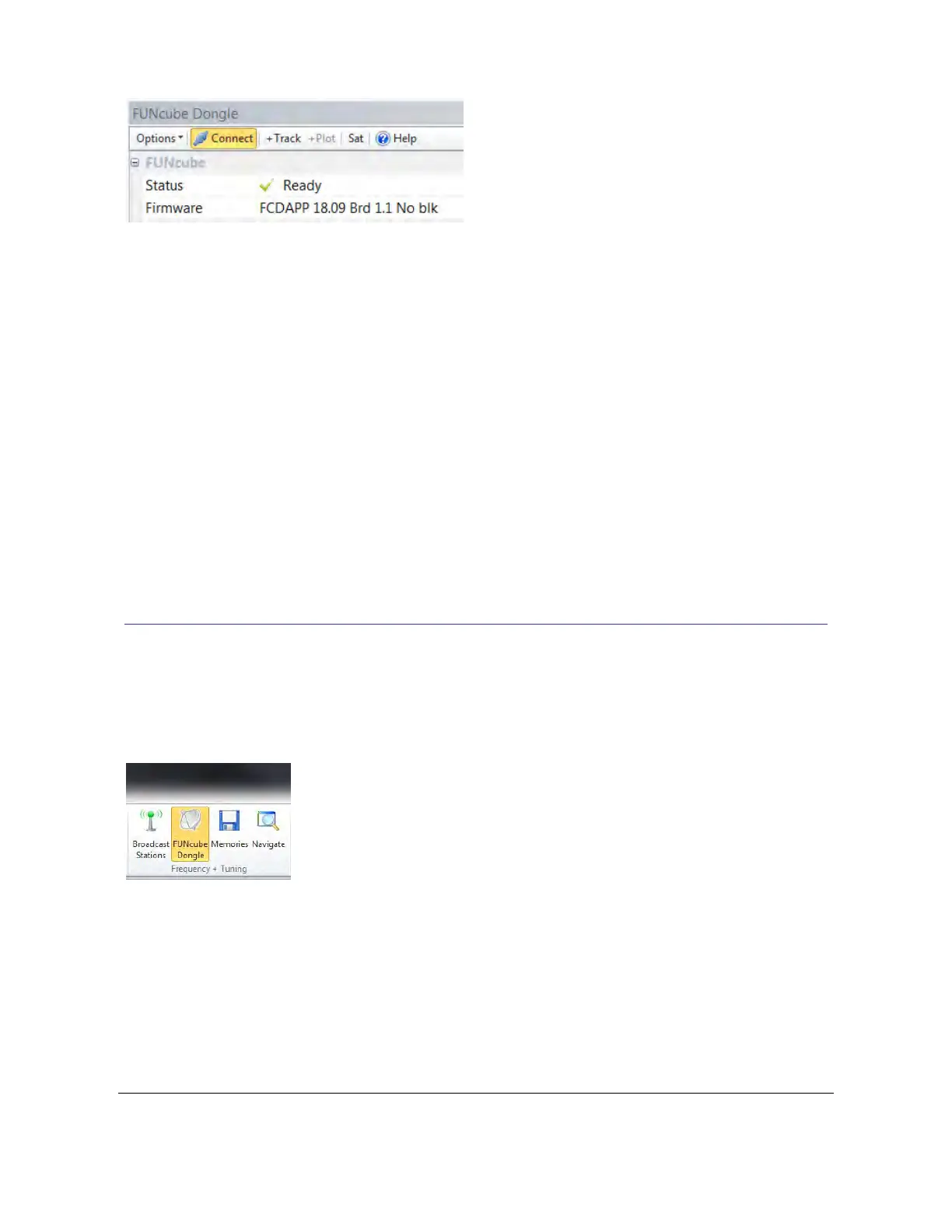
Here we have a revision 1.1 board (serial number is 2711) with firmware 18i loaded.
4.1.3 Connection Errors
The console attempts to open the dongle for exclusive access (other programs cannot make
changes while the console is using the dongle). If you see an error message:
Error opening dongle,no access to file because in use by other process
then the dongle is already opened by another program.
From the Options dropdown in the FUNcube Dongle pane uncheck the option ‘Open for
Exclusive Access’. When this option is unchecked the dongle is opened allowing access to other
programs.
The ‘Open for Exclusive Access’ option is supported to prevent other programs modifying the
settings while the dongle is in use by the console.
4.2 FUNcube Dongle Pane
When you started the soundcard (above) the FUNcube Dongle pane should be displayed
automatically. If this pane is not displayed or you have accidently hidden it just select FUNcube
Dongle from the Frequency + Tuning group of the Windows pane of the ribbon bar.
In this pane you can set:
Center Frequency.
Enable Doppler compensation when tracking satellites.
Adjust gains etc.
Satellite selection.
Enable rotator support.



 To Next Page