FUNcube Dongle Copyright 2011 Page 8 of 23
3 Software Installation
Installing the SDR-RADIO.com console. Note: if upgrading you do not need to uninstall the
current kit.
It is recommended that you connect the dongle before installing and starting the software.
3.1 Installing the system
The SDR-RADIO.com software is supplied as a standard Windows installation kit, the filename
format is: SDR-RADIO_v<version>b<build>.exe, for example SDR-RADIO_v1.1b492.exe is
version 1.1 build 492.
The program files are compiled as 32-bit executables, the kit can be installed on any 32- or 64-
bit system using Windows XP or higher.
Installation typically takes only a few seconds.
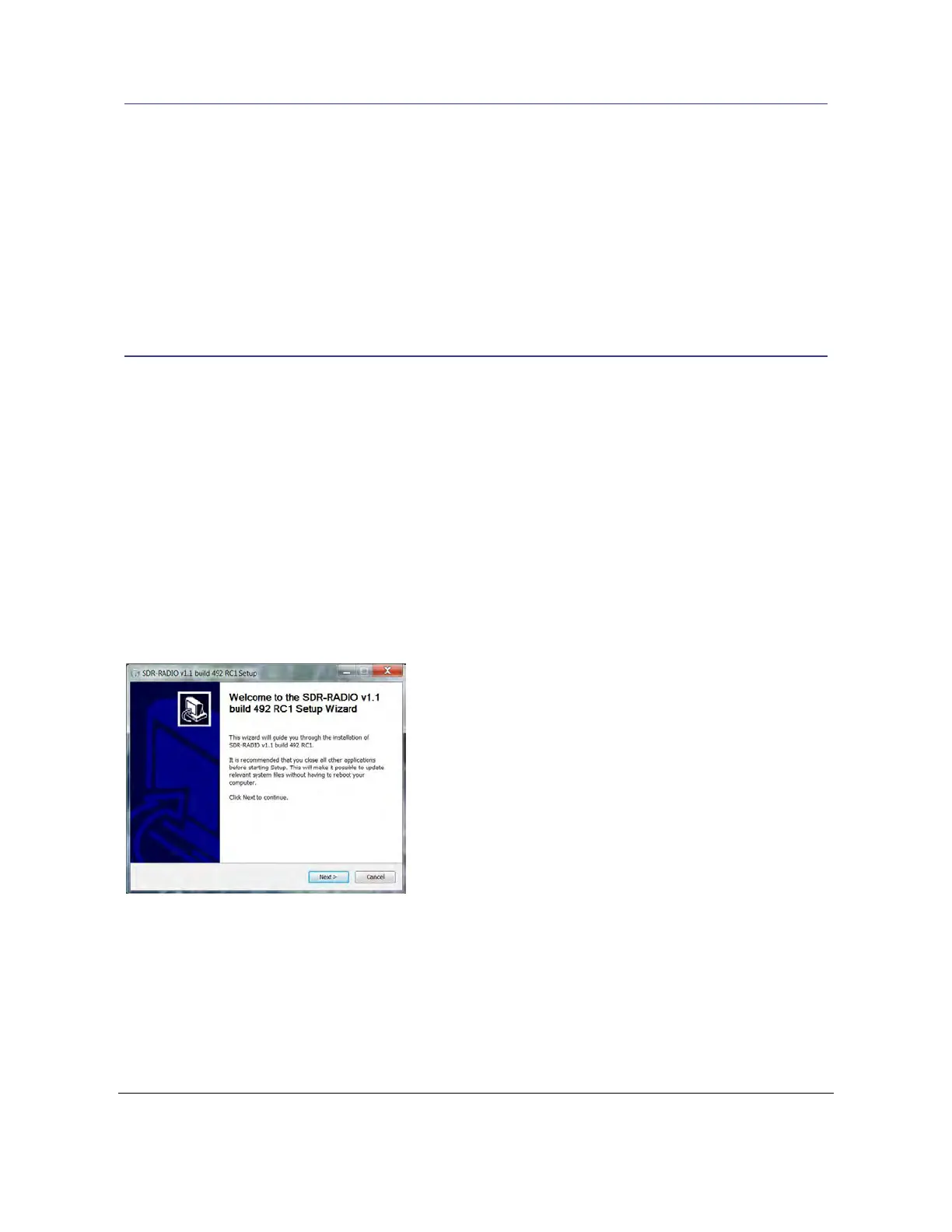
The first window displays the version and build number. Press Next to continue.



 To Next Page