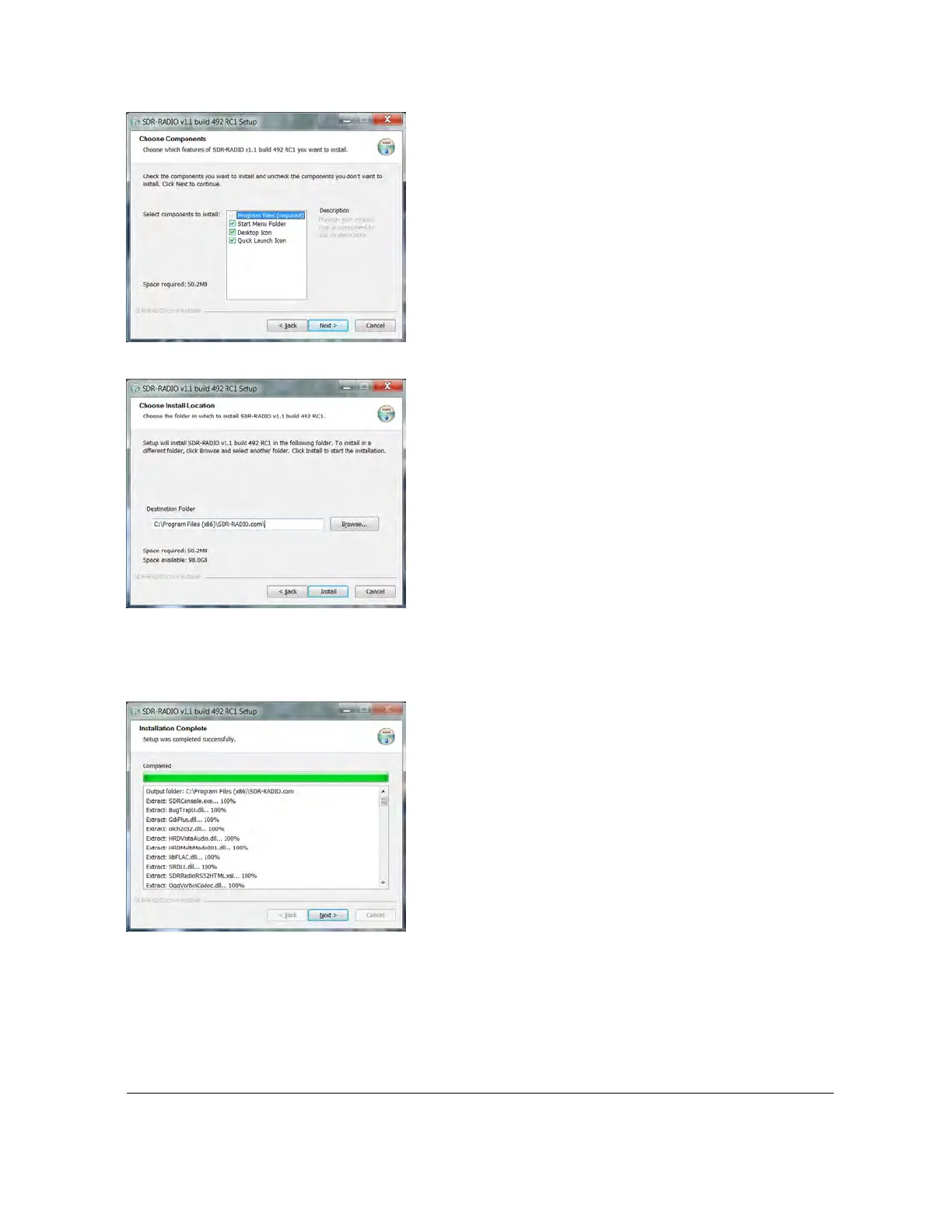
Select the components to be installed, normally you install everything. Press Next to continue.
Select the folder where the files are installed. The suggested default obeys the Windows
convention of always installing programs in the Program Files folder. Press Install to start the
installation.
The installation window’s progress bar shows the state of the program installation. Press Show
details for a full list of the files installed.



 To Next Page