4.2.1 Center Frequency
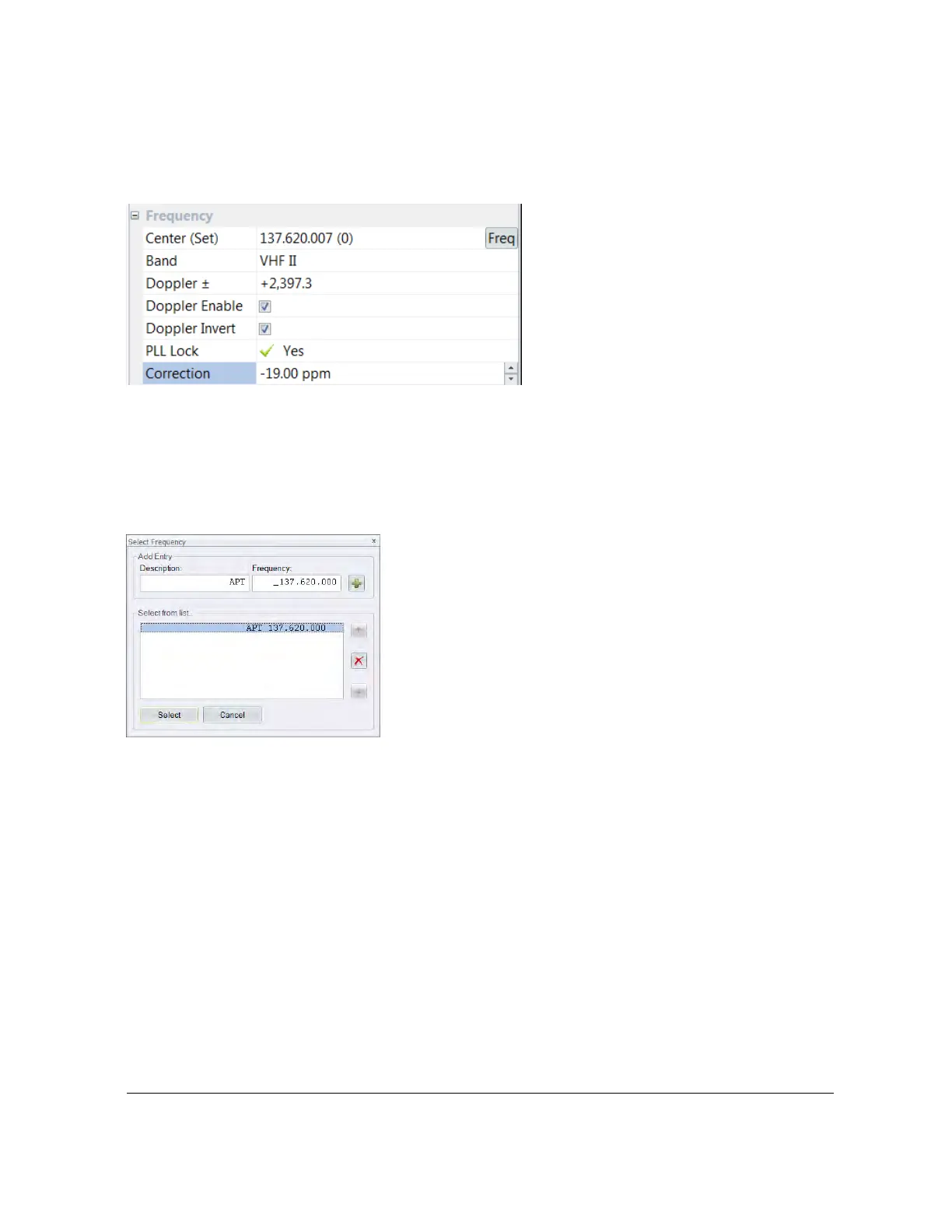
One way to tune the dongle is by selecting Freq from the Frequency group:
This method is design primarily to support satellites where you will usually use the same center
frequency for each satellite.
When you press Freq the Select Frequency window is displayed; here you maintain a list of
frequencies which are automatically saved for the currently selected satellite.
If the frequency selected is within the range supported by your dongle the PLL will lock.
4.2.2 Frequency Calibration
The dongle frequency is calibrated by adjusting the value shown in the correction field, this value
is in parts per million (ppm). Calibrate against a signal source of known accuracy.
4.2.3 Satellite Selection
Select Sat from the pane’s toolbar to display the Satellites window where you select the current
satellite.



 To Next Page