FUNcube Dongle Copyright 2011 Page 14 of 23
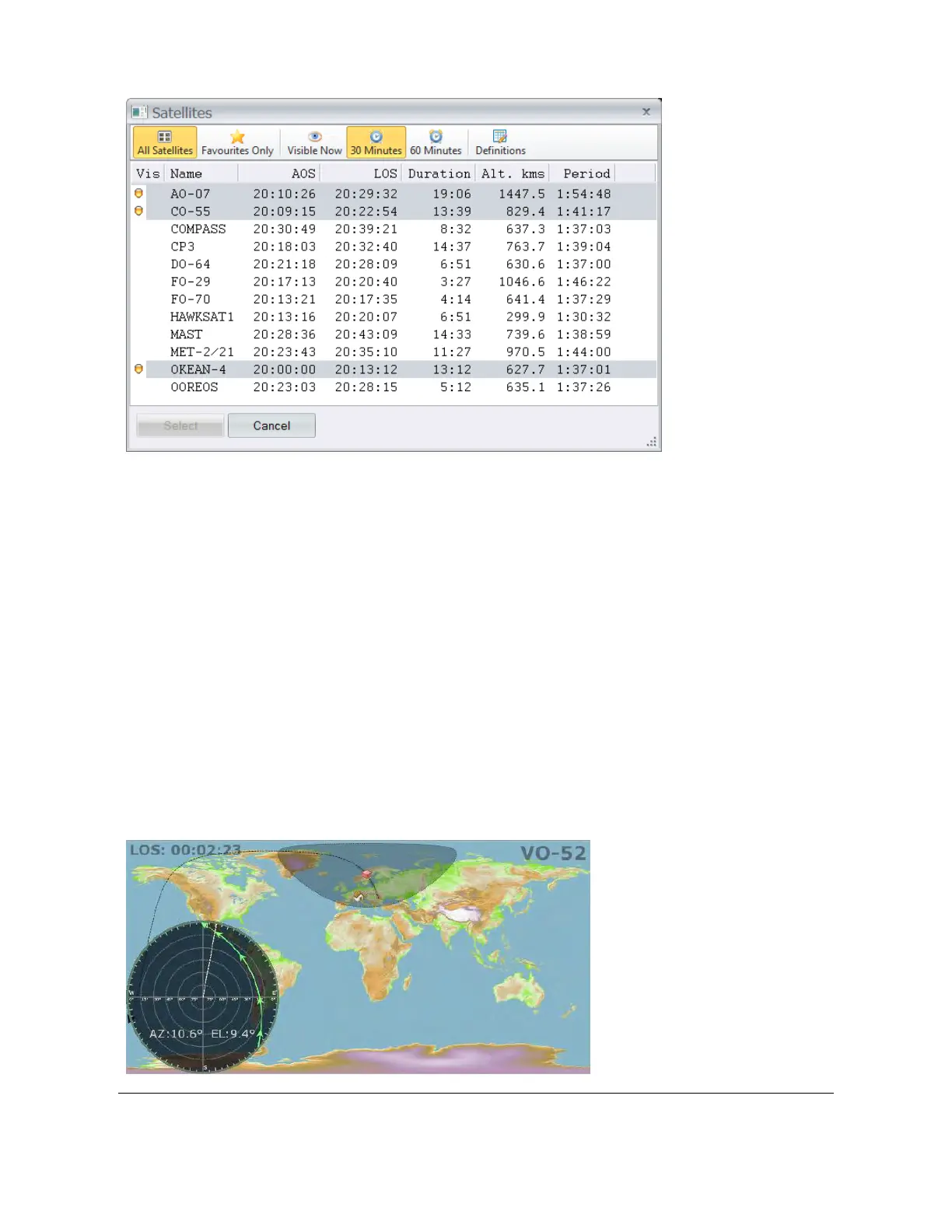
Here you filter the display by either:
All satellites, or
Only the entries in the favourites list.
The visibility options are:
Visible now,
Visible in the next 30 minutes, or
Visible in the next 60 minutes.
If none of the above is selected then no visibility filtering is applied.
4.2.4 Track & Plot
The current satellite’s track and plot are displayed by selecting Track and Plot from the pane’s
toolbar. This is an excellent way to see exactly what the current satellite is doing.



 To Next Page