5.7 Google Earth Integration
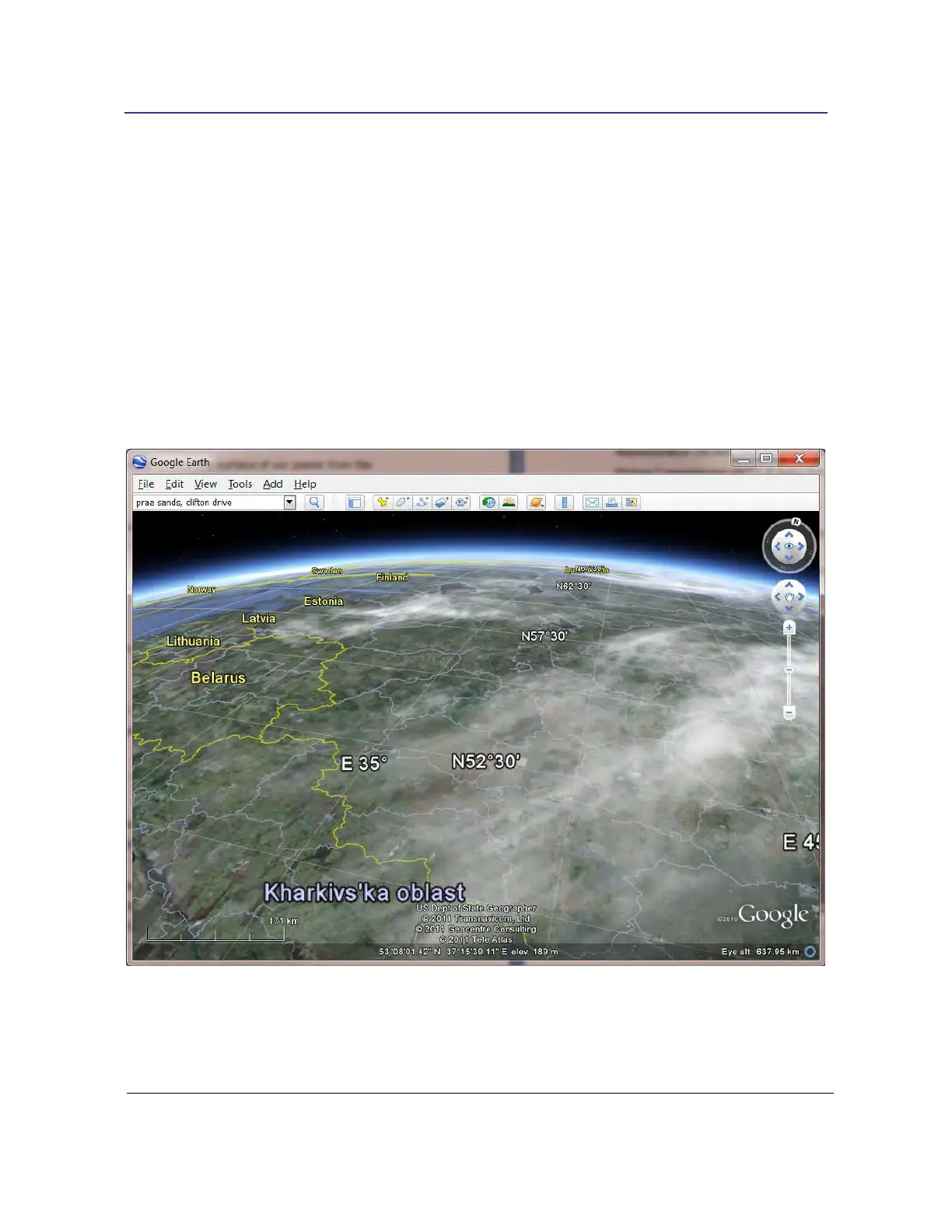
The console interfaces with Google Earth to show you the surface of our planet from the
passenger seat of the satellite. You may not be able to see satellites from space (you can see
the International Space Station (ISS)) but the satellites can see you!
From the Options dropdown in the FUNcube Dongle pane select Google Earth: a second toolbar
is displayed with two options, Enable and Tilt. Press Enable to start Google Earth if not already
started, use Tilt to adjust the angle between the satellite and the earth.
If for some reason Google Earth does not start use the Task Manager to check whether it is
currently running – if so kill it and start again.



 To Next Page