18
TV Setup
Initial Setup Wizard
Initial Setup Wizard
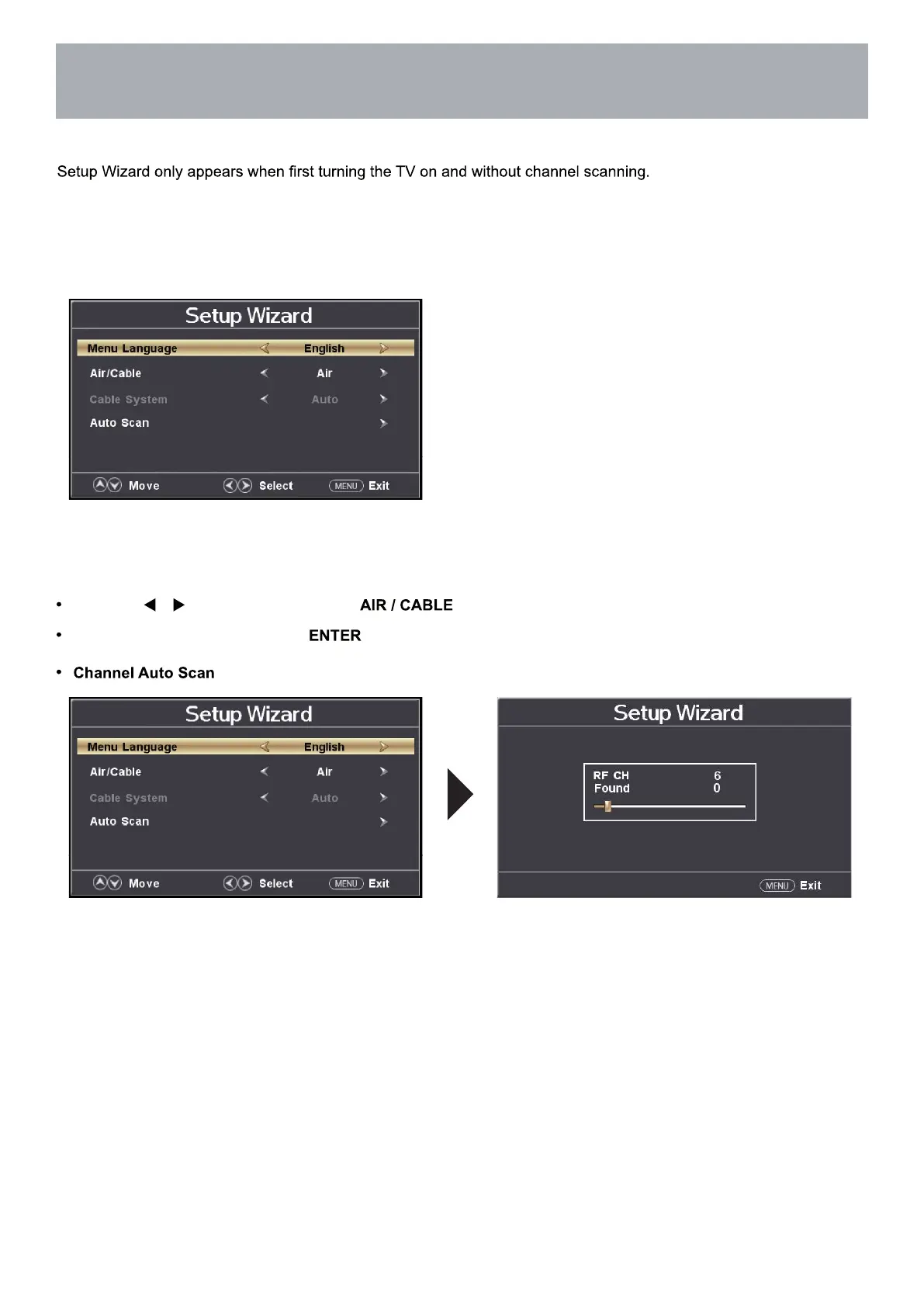
After connecting your TV antenna or cable wire, turn the television ON. The quick setup wizard will display on-screen.
Select your preferred Picture setting followed by antenna options and performing Auto Scan to receive local broadcast
channels that will be stored in the TV tuner memory.
The wizard will direct you to the TV menu to select antenna options and perform
Channel Auto Scan. Channels found will be stored into the TV tuner memory.
How to Navigate:
Press the arrow button to highlight based on your antenna connection.
Highlight Start to Scan and press .
may take several minutes to complete.



 To Next Page