3-1
3. ADJUSTMENT
3.1 How to Access to Installation Menu
You should do the set up for the equipment through the installation menu when installation
has been finished. To access to the installation menu, follow the steps in below.
1. With the display powered off, hold down the [MENU] key. Then, momentarily press the
[POWER/TX] key while continuing to hold the [MENU] key down. You may release the
[MENU] key when a blue start-up screen appears.
2. Release the [MENU] key when the message of “STARTING INSTALLATION MODE”
appears.
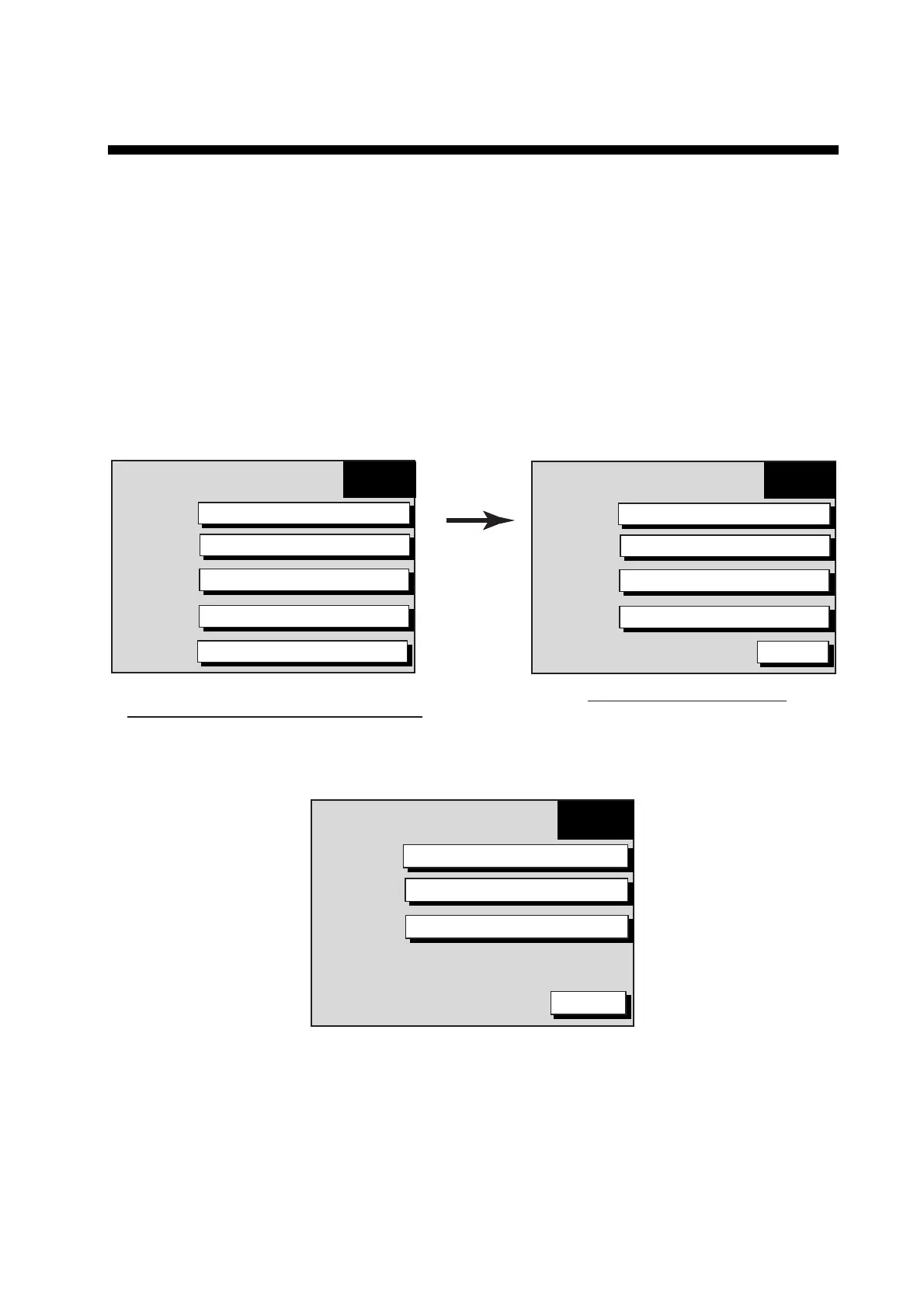
3. After the radar screen appears, press the [MENU] key to show the RADAR MENU.
4. Press the SYSTEM CONFIGURATION soft key to show the SYSTEM CONFIG menu.
SYSTEM
CONFIG
GENERAL SETUP
NAV OPTION
SYSTEM SETUP
INSTALLATION SETUP
RETURN
Radar menu
(Ex. MODEL1833C/1933C/1943C/1953C)
System configuration menu
RADAR
MENU
RADAR DISPLAY SETUP
RADAR RANGE SETUP
ARP SETUP
FUNCTION KEY SETUP
SYSTEM CONFIGURATION
How to access the Installation menu
5. Press the INSTALLATION SETUP soft key to display the INSTALL SETUP menu.
INSTALL
SETUP
NETWORK SETUP
RADAR SETUP
NETWORK SOUNDER SETUP*
RETURN
*: Do not change this item setting.
Installation setup menu



 To Next Page
 Loading...






