2-4
2.2 External Buzzer (OP03-136, option) Connection
The optional external buzzer provides a louder alert when the alarm is viorated.
External buzzer
Type: OP03-136
Code no.: 000-086-443
Further, you need the optional cable assy MJ-A7SPF0007-050 (w/7P connector, 5 m, code
no. 000-144-418).
1. Attach the MJ-A7SPF0007-050 cable assy (option) to the DATA 4 port at the rear of the
display unit.
2. Cut the XH connector at the end of the external buzzer cable with appropriate length.
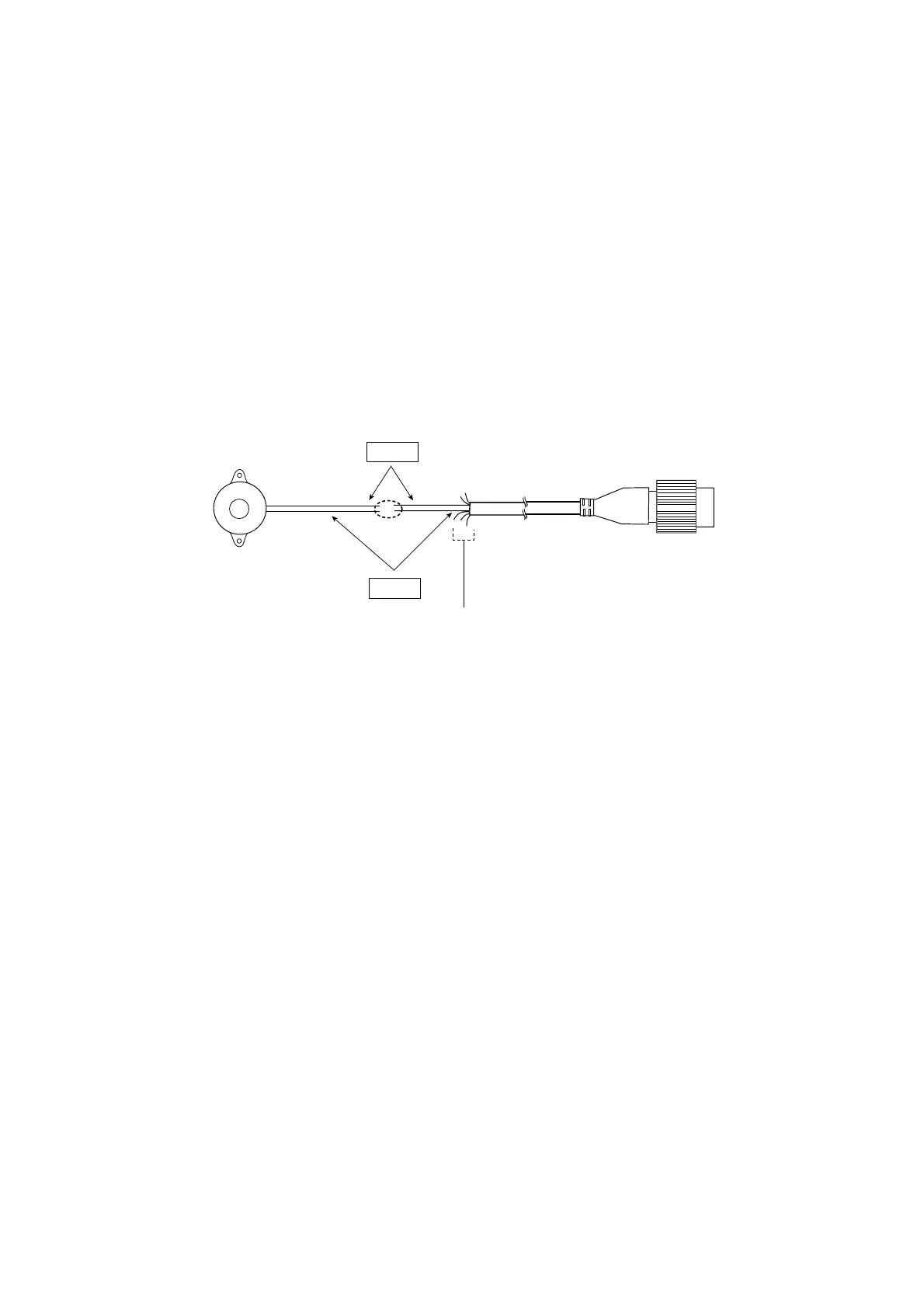
3. Solder the cables made at step 2 with MJ-A7SPF0007-050 cable as shown below.
Red
Black
External buzzer
MJ-A7SPF0007-050
Soldering
Other cable should be cut off,
and wrap here with tape.
Connection of external buzzer and display unit
using cable assy type MJ-A7SPF0007-050 cable
4. Fasten the buzzer with the double-sided tape or two tapping screws (3x15 or 3x20, local
supply).



 To Next Page
 Loading...






