2. BASIC OPERATION
2-3
2.3 Adjusting Brilliance and Contrast
The brilliance and contrast can be adjusted as below:
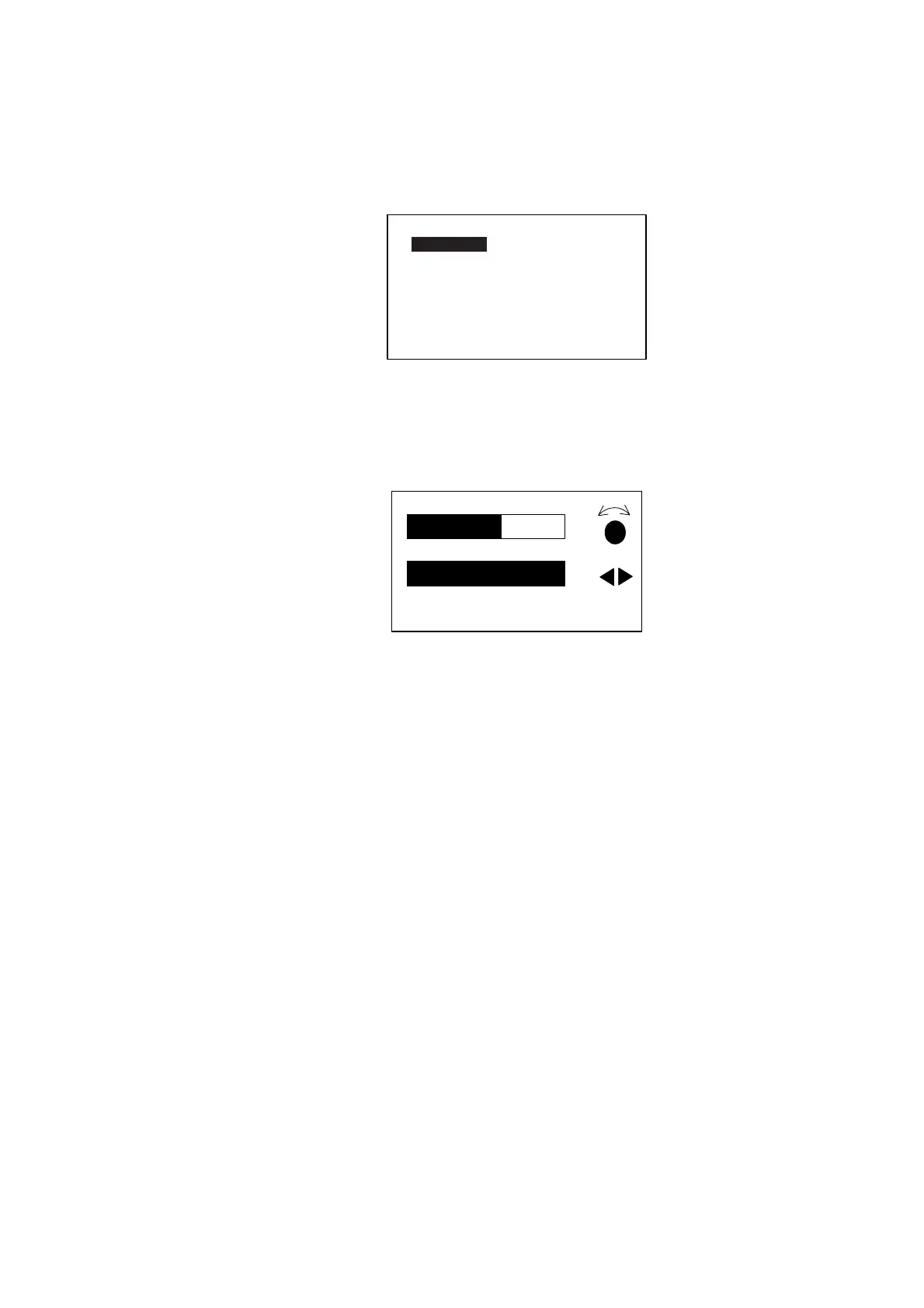
1. Press the [TURN/MENU] key twice to show the main menu.
MESSAGE
CONTRAST/BRILLIANCE
ALARM SETUP
PARAMETER SETUP
SYSTEM SETUP
TEST: OFF
SYSTEM DATA
Main menu (ex. STBY mode)
2. Rotate the course control knob to choose “CONTRAST/BRILLIANCE”, and
then press it.
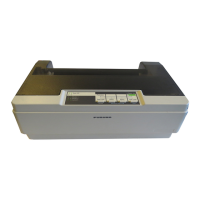
The CONTRAST/BRILIANCE window appears.
CONTRAST
BRILLIANCE
10
8
PUSH MENU KEY TO RETURN
TO PREVIOUS MENU
Contrast, brilliance window
3. Rotate the course control knob to adjust display contrast; clockwise to raise
the contrast and counter-clockwise to lower it. (16 levels are available.)
4. Press the [PORT] or [STBD] key to adjust display brilliance, [PORT] to lower
the brilliance and [STBD] to raise it. (Eight levels are available.)
To close the CONTRAST and BRILL window, press the [TURN/MENU] key
twice.



 To Next Page