5-1
5. ALARMS
5.1 ALARM SETUP Menu
The NAVpilot-511/520 has seven conditions which generate both audio and
visual alarms: watch alarm, deviation alarm. XTE (cross-track error) alarm,
speed alarm, depth alarm, temp alarm and log trip alarm. You may set up the
alarms on the ALARM SETUP menu.
1. Press the [TURN/MENU] key twice to show the mode menu.
2. Rotate the course control knob to select “ALARM SETUP”.
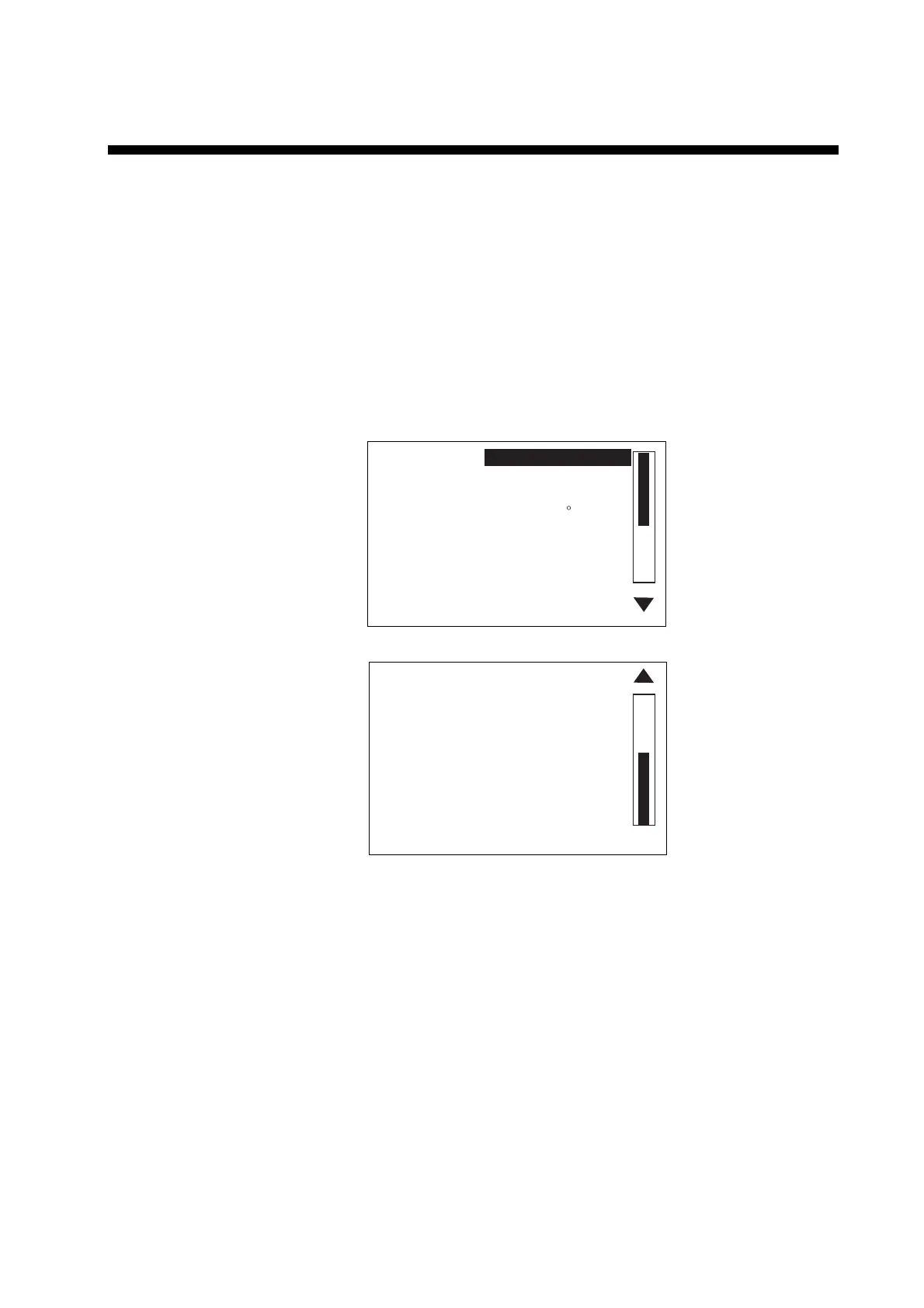
3. Press the course control knob to show the ALARM SETUP menu.
AUDIO:
ALARM INTERVAL: SHORT
WATCH ALARM: OFF
DEVIATION ALARM: 90
XTE: OFF
SPD: OFF
DPT: OFF
INTERNAL BUZZER
TMP: OFF
TRIP LOG ALARM: OFF
CLEAR TRIP LOG: NO
Page 2
Page 1
PUSH MENU KEY TO RETURN
TO PREVIOUS MENU.
Alarm setup menu
4. Press the [TURN/MENU] key to close the ALARM SETUP menu.



 To Next Page