5. MENU OPERATION
5-2
5.2 COM2 Menu
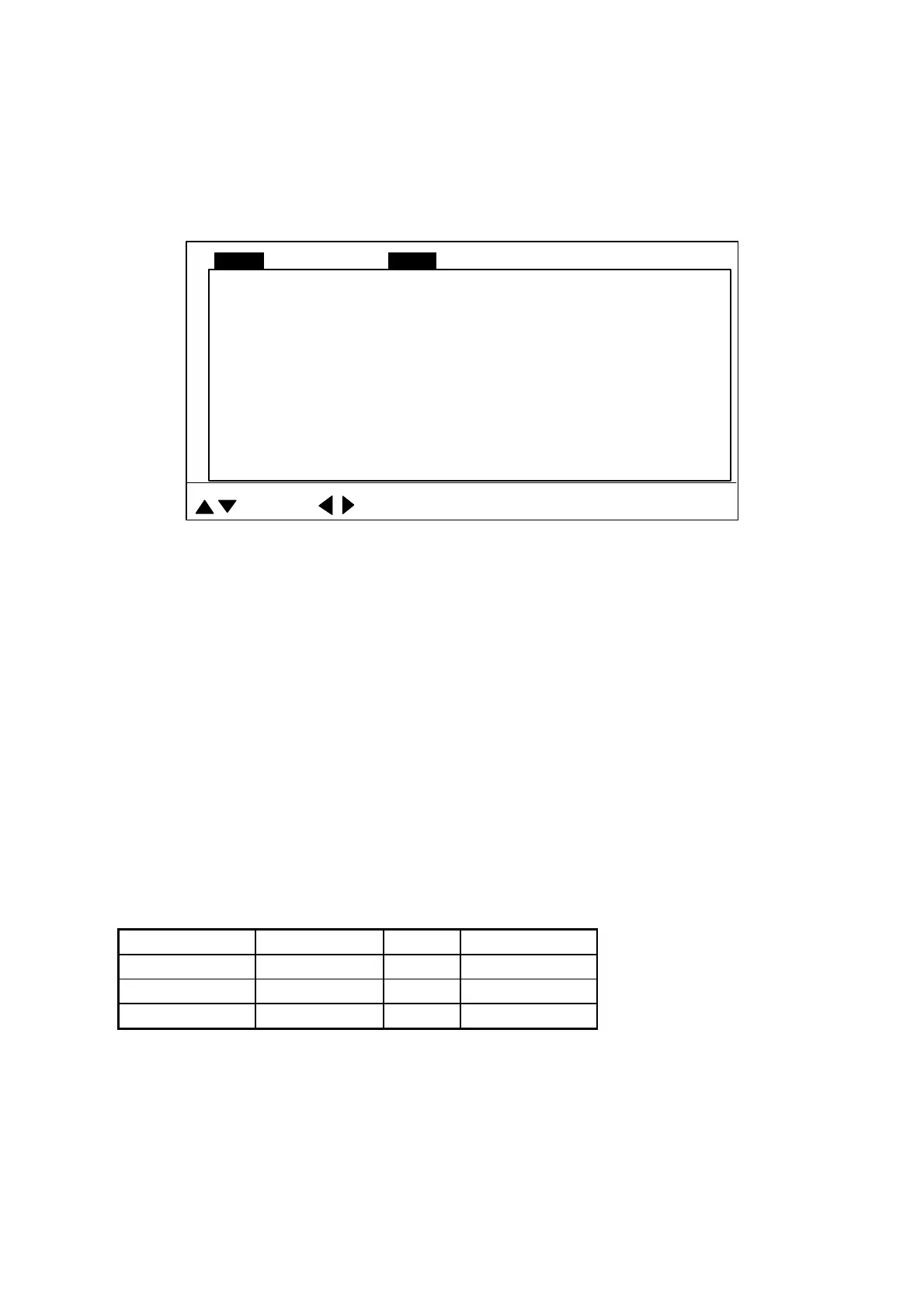
5.2.1 Displaying the COM2 menu
1. Press the [MENU] key to open the menu.
2. Press ▲ to choose MENU, and then press ◄ or ► to choose COM2.
DELETING TRACK NO
WHITE MARKER OFF
SIG LEVEL OFF
COLOR 16
BKGD COLOR 2
: SELECT
: CHANGE MENU: END
MENU
COM1 HORZ VERT ES PRESET SYSCOM2
COM2 menu
5.2.2 COM2 menu description
DELETING TRACK: Choose ON to delete all ship’s track (from horizontal and
horizontal/video plotter displays).
WHITE MARKER: Displays desired echo in white. It is useful for discriminating bottom
fish from the bottom echo. The setting range for the 8-color display is OFF, 1-7, and for
the 16-color display, OFF, 1-15.
SIG LEVEL: Refer to page 2-17.
COLOR: Chooses 8- or 16-color display.
BKGD COLOR: Chooses color of background, text and menu. Three choices are
available and these are shown in the table below.
BKGD COLOR Background Text Menu
1 Black Gray Dark-blue
2 Dark-blue White Medium blue
3 White Black Gray


 To Next Page