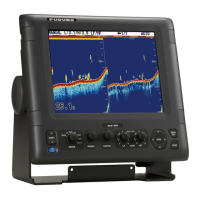
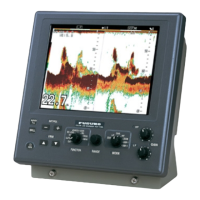
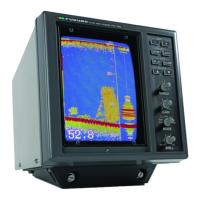
2-10
2.11 Menu Operation
The menu, consisting of the main menu and three system menus, contains less often used
functions which do not require frequent adjustment.
2.11.2 Menu selection
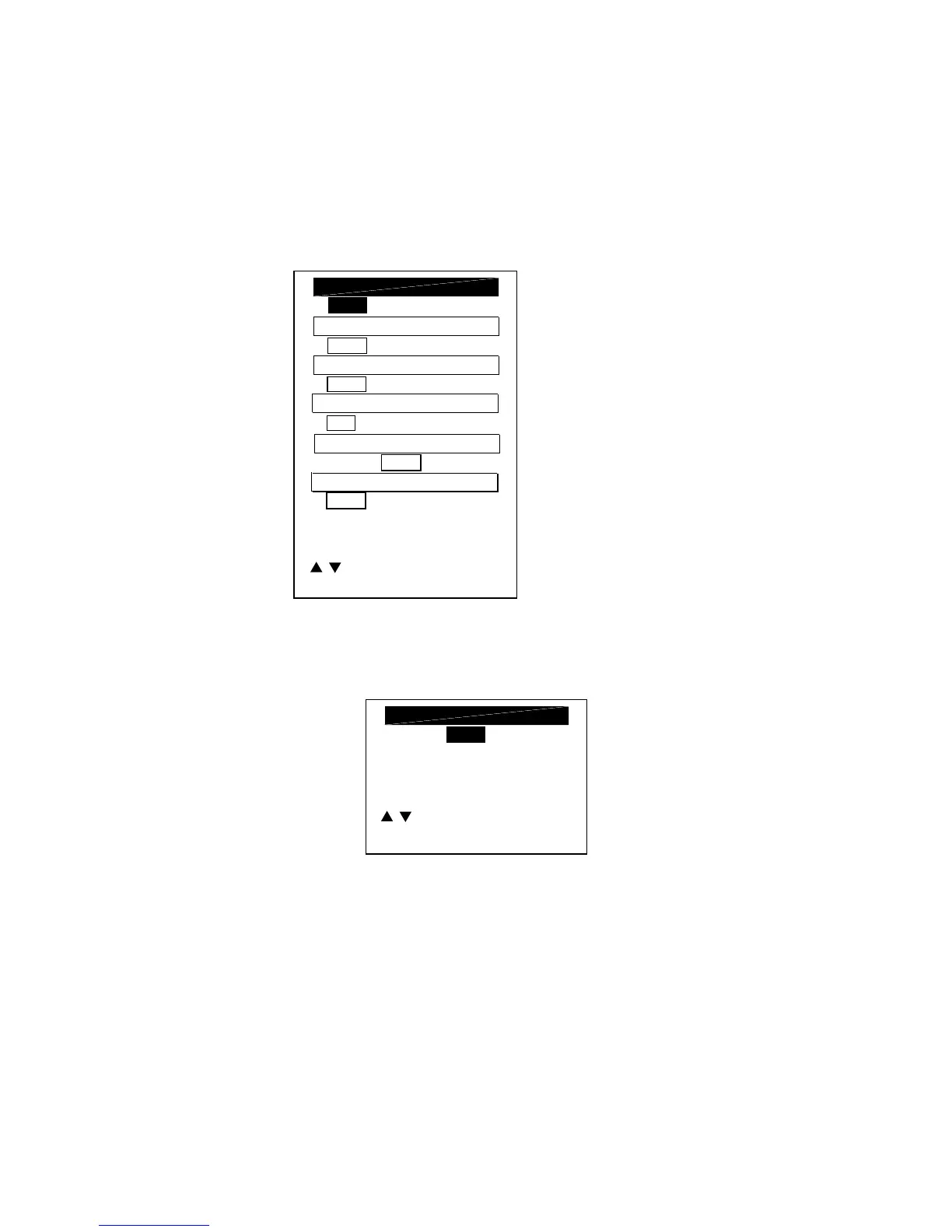
1. Set the [MODE] switch in the MENU position.
OFF 1 2 3
NOISE LIMITER
HUE SELECTION
1 (1 - 7)
0 (-20 - +20)
GAIN ADJUST 50KHZ*
CLUTTER LEVEL
0
**
(0 - 3)
VRM WHT
/ : TO SELECT ITEM, 1/2
-/+
:
TO SET CONDITION.
MARKER (VRM)
ZOOM MARKER DISPLAY
* 200 kHz depending on transducer used.
** "A" is shown when the
auto function is active.
OFF ON
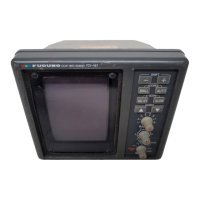
2. To go to the system menu, press [
!
] to select GO TO SYSTEM MENU and [+] to select
YES.
NO YES
GO TO SYSTEM MENU
/ : TO SELECT ITEM, 2/2
-/+
: TO SET CONDITION.


 To Next Page