23
Manual input
Key in Coast ID with the numeric keys and press the
[Enter] key.
Automatic input
Press the [File] key to show the “Addr. Sel.” file. Scroll
the display with [
] or [ ] to select the registered coast
station name which you desire and press the [Enter]
key.
Call type:
COAST CALL
Coast ID:
001234567
Send message
5. Press the [Call] key to send the call.
4.5 Sending PSTN Call to a Shore
Station
To connect to a office or home via a PSTN (Public
Switched Telephone Network), do the following:
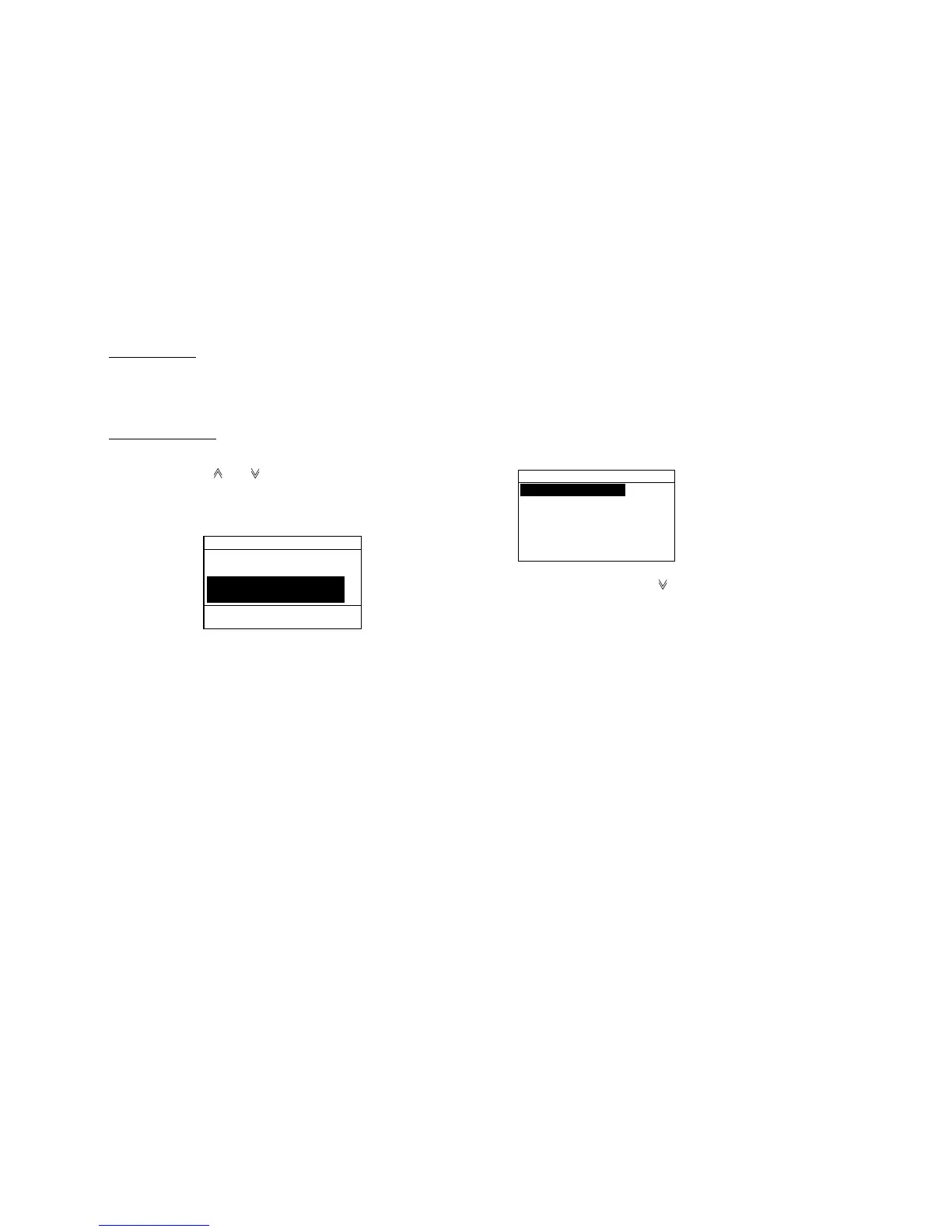
1. Press the [Call] key to open the Call type menu.
Call type
COAST CALL
SHIP CALL
PSTN CALL
GROUP CALL
ALL SHIPS CALL
DISTRESS CALL
2. Scroll the display with [ ] to choose PSTN CALL and
press the [Enter] key to open the Send message
menu.
3. Enter the Coast ID and press the [Enter] key. Coast
ID (7 digits) may be entered manually with the
numeric keys or automatically through the Addr. Sel.
file. (Registration of ID required for automatic input.
See “4.10 Storing IDs”.)



 To Next Page