25
4.6 Sending a Group DSC Call
To send a group DSC call, do the following:
1. Press the [Call] key to open the Call type menu.
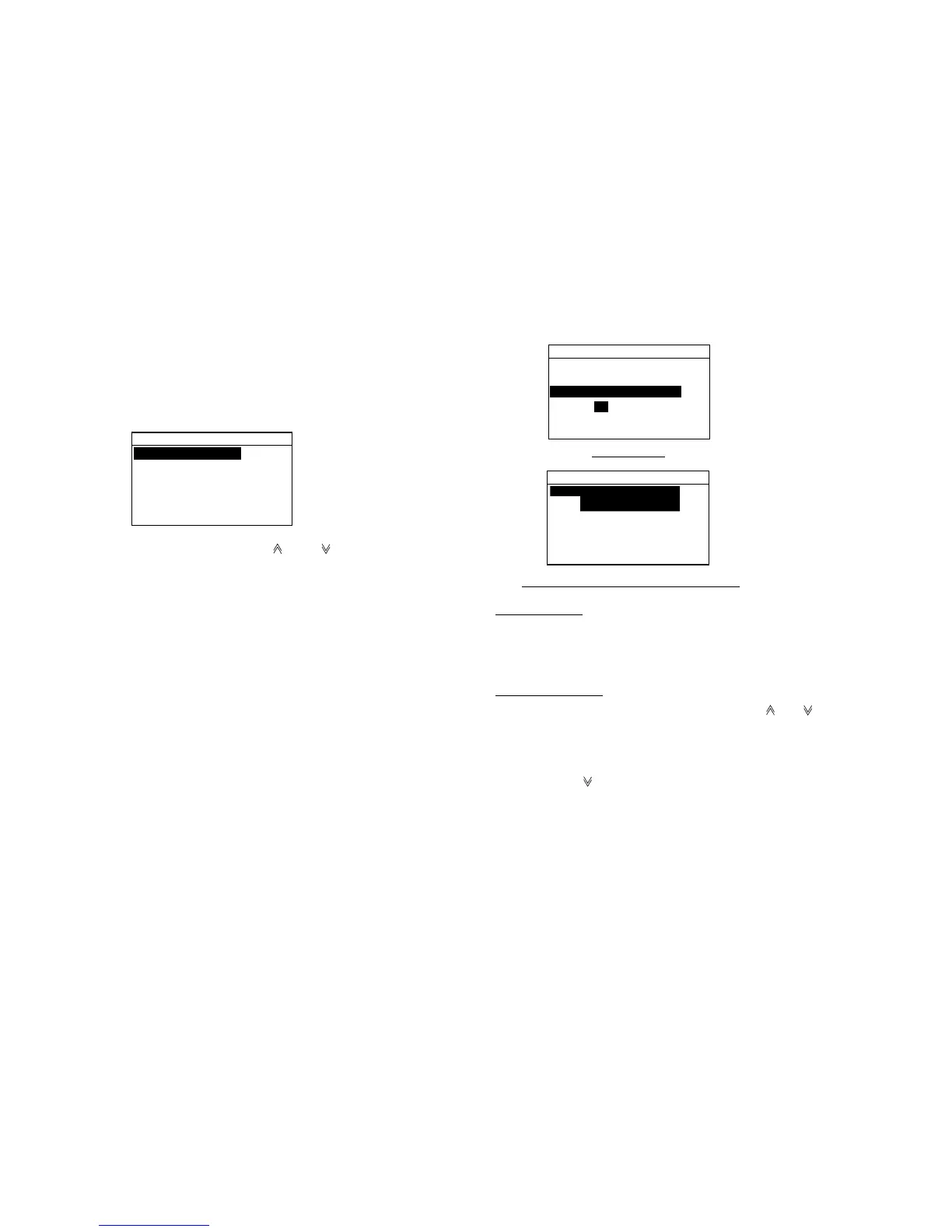
Call type
COAST CALL
SHIP CALL
PSTN CALL
GROUP CALL
ALL SHIPS CALL
DISTRESS CALL
2. Scroll the display with [ ] and [ ] to choose GROUP
CALL and press the [Enter] key.
3. Enter the Group ID (8 digits) and press the [Enter]
key. Group ID can be entered manually through the
keyboard or automatically by using the Addr. Sel. file.
(Registration of ID required for automatic input. See
“4.10 Storing IDs.)
Call type:
GROUP CALL
Groupe ID:
0
Com channel:
06
Send message
Addr. sel.
Manual entry
Automatic entry through Addr. sel. file
0
01:GROUP1
02:GROUP2
03:GROUP3
Manual input
Key in Group ID with the numeric keys and press the
[Enter] key.
Automatic input
Press the [File] key. Scroll the display with [ ] or [ ] to
select group call adress which you desire and press the
[Enter] key.
4. Press the [
] key to open the screen for entry of
Communications channel and press the [Enter] key.



 To Next Page