29
9. Enter UTC time with the numeric keys same as
latitude entering and press the [Enter] key. The
display shows position and time.
10. Press the [Enter] key.
4.10 Storing IDs
You may store often-used coast, group and ship IDs,
and recall them on the screen (with the [File] key) when
preparing a DSC call. (Max. storage: 25 IDs)
1. Press the [Setup] key to display the Setup menu.
Message entry
Adrr.entry
Tel.NO. entry
Position
Test
System
Setup menu
2. Select Addr. entry and press the [Enter] key.
Addr.entry
01:FURUNOMARU
02:FRIEND
SHIP
03:
3. Scroll the display with [ ] or [ ] to select empty
number and press the [Enter] key. For example,
select 03. The display then looks something like the
one below.
03:
Station type:
SHIP
Address:
03:Addr.entry
4. Enter file name (max. 20 characters) with the
alphanumeric keys and press the [Enter] key. For
entry of alphabet or symbol.
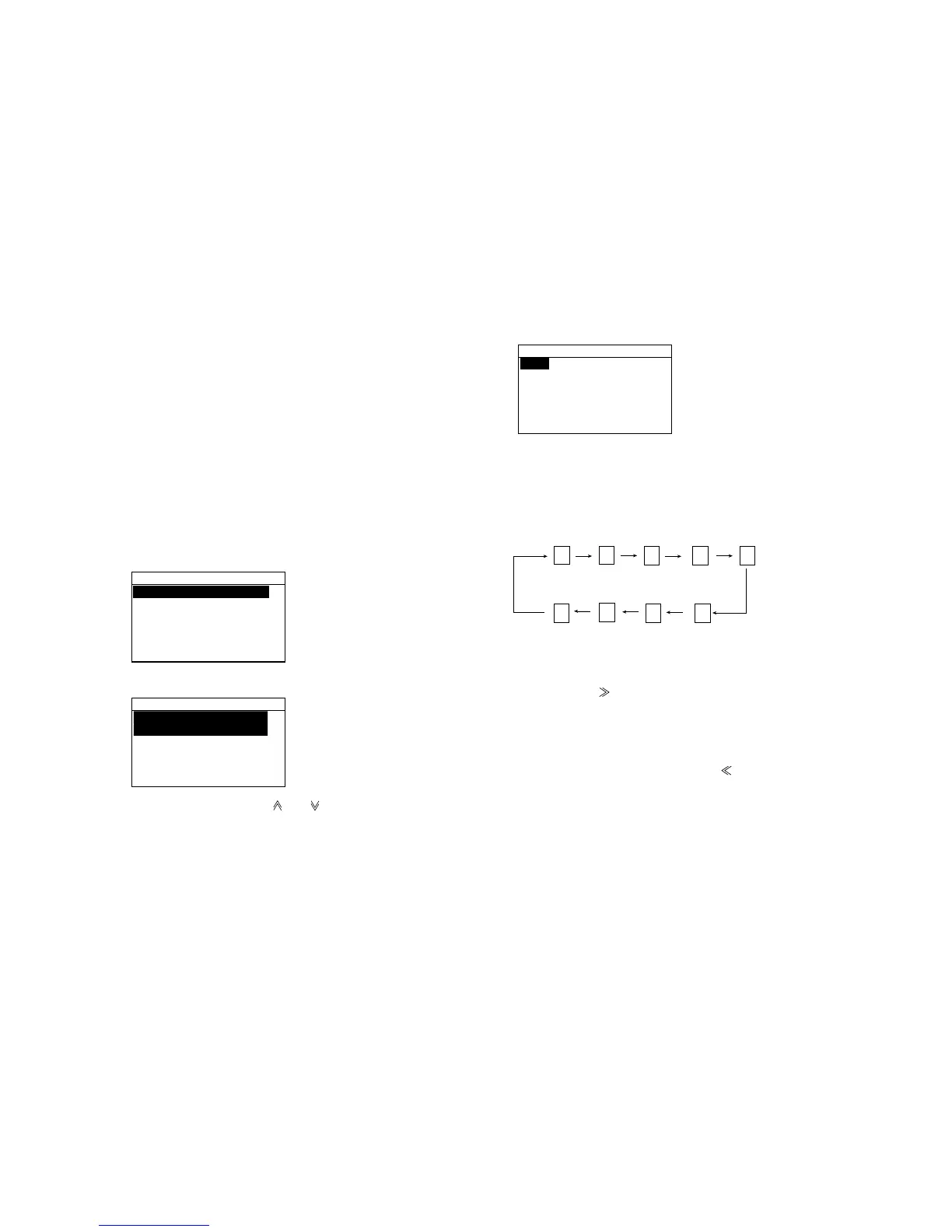
Every pressing of [1] key changes the symbol mark.
The symbol mark sequence is as shown below.
1. ' - :
#*/ &
To enter FURUNO as the name, for example, do the
following.
a) Press the [3 (DW, DEF)] key four times to enter “F”.
b) Press the [ ] to move the cursor to the next column.
c) Press the [8 (TUV)] key three times to enter “U”.
d) Repeat the above steps to complete the entering
“FURUNO”.
If you make a mistake, press the [ ] to return to the
previous column.
5. Press the [Enter] key.
6. Press the [Enter] key to open the window for
selection of station type.



 To Next Page