30
Station type
COAST
SHIP
GROUP
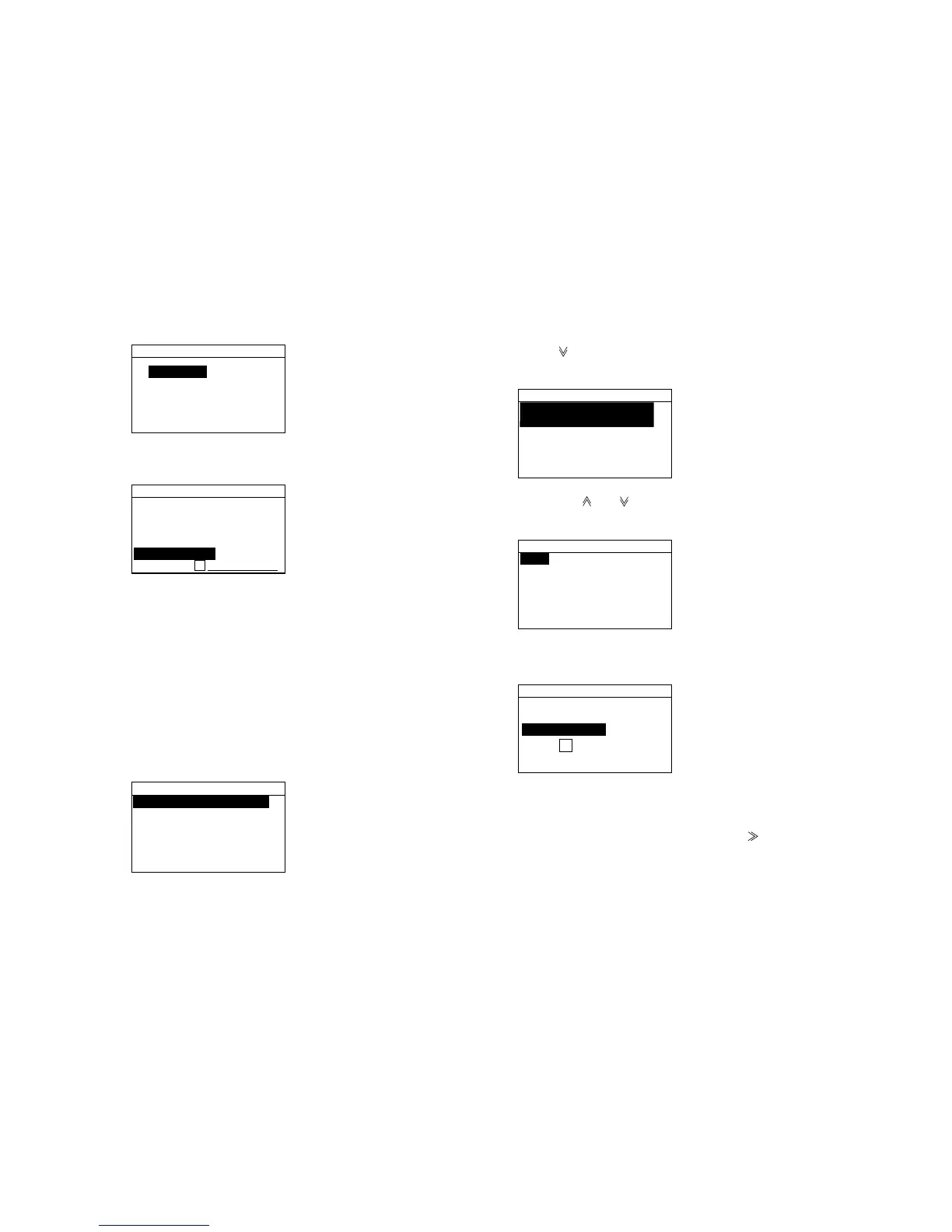
7. Select station type desired and press the [Enter] key.
For example, select COAST.
03:FURUNO
Station type:
COAST
Address:
00
03:Addr.entry
8. Enter ID number (Group ID, 8 digits; Coast ID, 7
digits, Ship ID, 9 digits) and press the [Enter] key.
9. Press the [Cancel] key several time to return.
4.11 Storing Telephone Numbers
Often-used telephone numbers can be stored, and
display them on the screen (with the [File] key) when
preparing a DSC call. (Max. storage: 25 numbers)
1. Press the [Setup] key to display the Setup menu.
Message entry
Addr.entry
Tel.NO. entry
Position
Test
System
Setup menu
2. Press [ ] to select Tel. NO. entry and press the
[Enter] key.
TEl. No. Entry
01:FURUNO
OFFICE
02:HOME
03:
3. Press the [ ] or [ ] to select vacant number and
press the [Enter] key.
03:
Tel No.:
Tel. No.entry
4. Enter file name (Max. 20 characters) with the
alphanumeric keys and press the [Enter] key.
03:FURUNO
Tel No.:
Tel. No. entry
5. Enter telephone number with the numeric keys and
press the [Enter] key. (Max. 16 characters)
For the entering of hyphen, press the [ ].
6. Press the [Cancel] key to escape.



 To Next Page