28
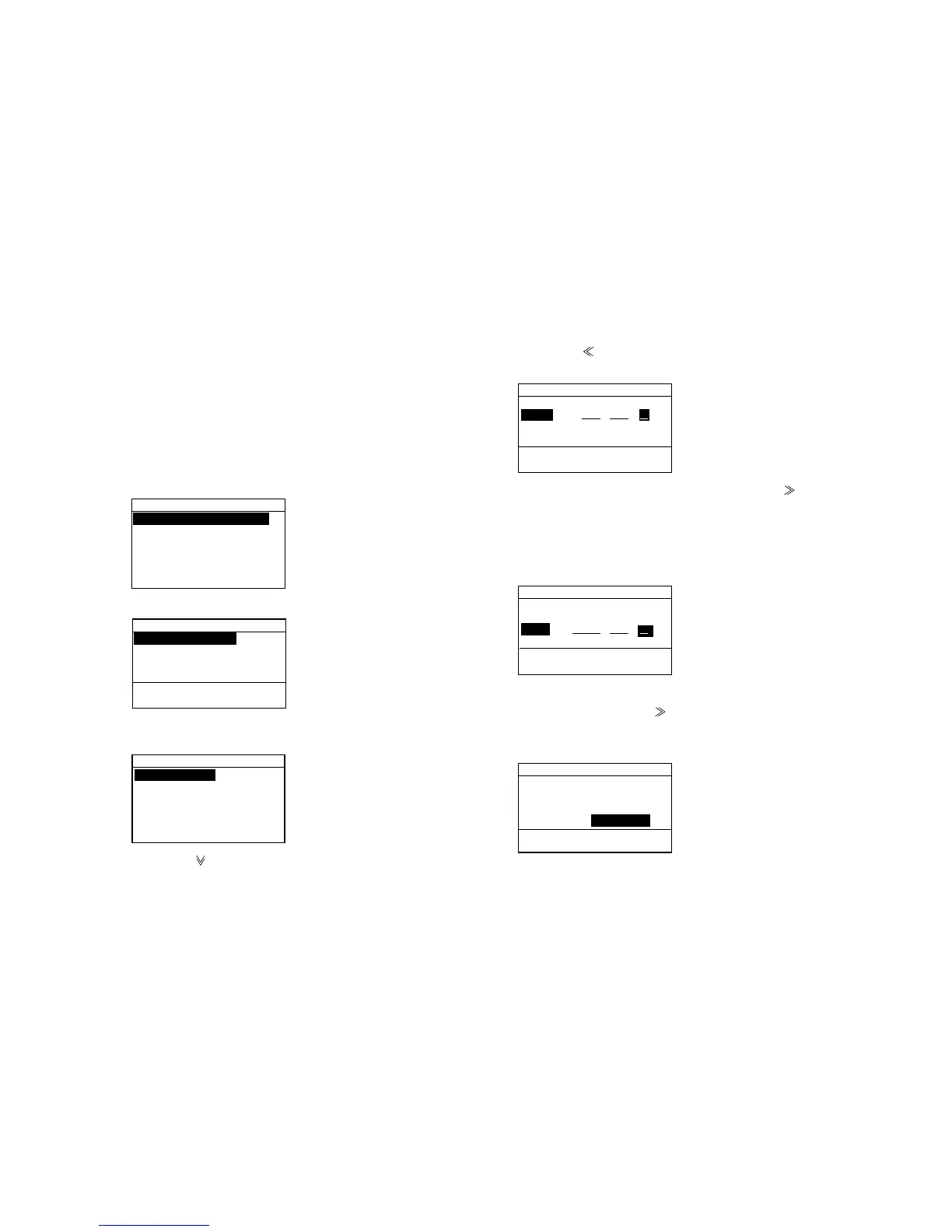
4.9 Manual Entry of Position and Time
Position and time data are required when sending a
distress alert call, either automatically by a navigation
device or manually through the keyboard. If there is no
navigation device or the navigation device fails enter
position and time manually as follows:
1. Press the [Setup] key to display the Setup menu.
Message entry
Adrr.entry
Tel.NO. entry
Position
Test
System
Setup menu
2. Select “Position” and press the [Enter] key.
INPUT:AUTO
Lat : 12˚34 N
Lon :123˚45 E
Time:12:34UTC
Now receiving
new data.
Position
(when IEC61162-1 data inputting)
3. Press the [Enter] key to display as follows.
AUTO
MANUAL
Pos. input
4. Press the [ ] key to select MANUAL and [Enter] key.
5. Press the [
] key to clear digits. Each pressing
crears a digit from the right.
Input:MANUAL
Lat : ˚
Lon :123˚45 E
Time:12:34UTC
Unable rcv.
new data.
Position
6. Key in latitude with the numeric keys. Use [ ] to
switch from North latitude to South latitude and vice
versa.
7. Press the [Enter] key.
The cursor moves to Lon.
Input:MANUAL
Lat : 12˚ 34 N
Lon : ˚
Time:12:34UTC
Unable rcv.
new data.
Position
8. Key in longitude with the numeric keys same as
latitude entering. Use [ ] to switch from East to West
longitude and vice versa. Press the [Enter] key. The
cursor moves to Time.
Input:MANUAL
Lat : 12˚ 34 N
Lon :123˚ 45 E
Time: : UTC
Unable rcv.
new data.
Position



 To Next Page