32
12:ABC
Call type:
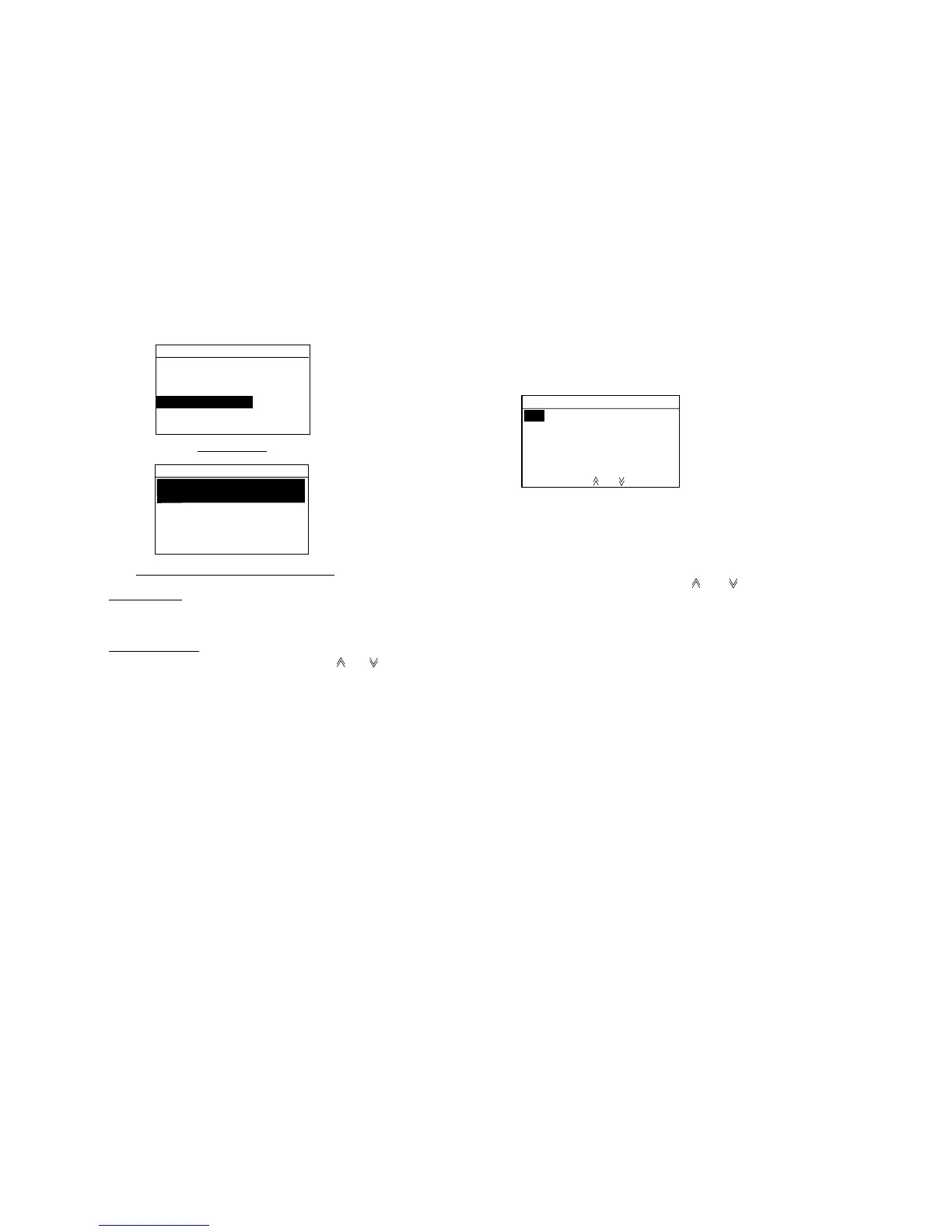
SHIP CALL
Ship ID:
Mess. entry
Sel. ship ID
Manual entry
Automatic entry through Sel. Ship ID
01:FURUNOMARU
02:FRIEND
SHIP
03:
Manual input
Key in Ship ID with the numeric keys and press the [Enter] key.
Automatic input
Press the [File] key. Scroll the display with [ ] or [ ] to select the
message name desired and press the [Enter] key.
8. Confirm that Com channel is selected, and then
press the [Enter] key.
06 73 No INFO
08 69
10 67 MANUAL
13 77
09 15 CH Busy
72 17
Com channel
NO INFO: No information
MANUAL: Enter channel
with numeric key.
"CH BUSY" means the selected
channel is busy now.
9. Select channel by pressing [ ] or [ ] key and press
the [Enter] key.
10. Press the [Cancel] key several times to return.



 To Next Page