5. DSC GENERAL MESSAGE CALLING, RECEIVING
5-2
2. Rotate the ENTER knob to select [MSG TYPE] then push the knob.
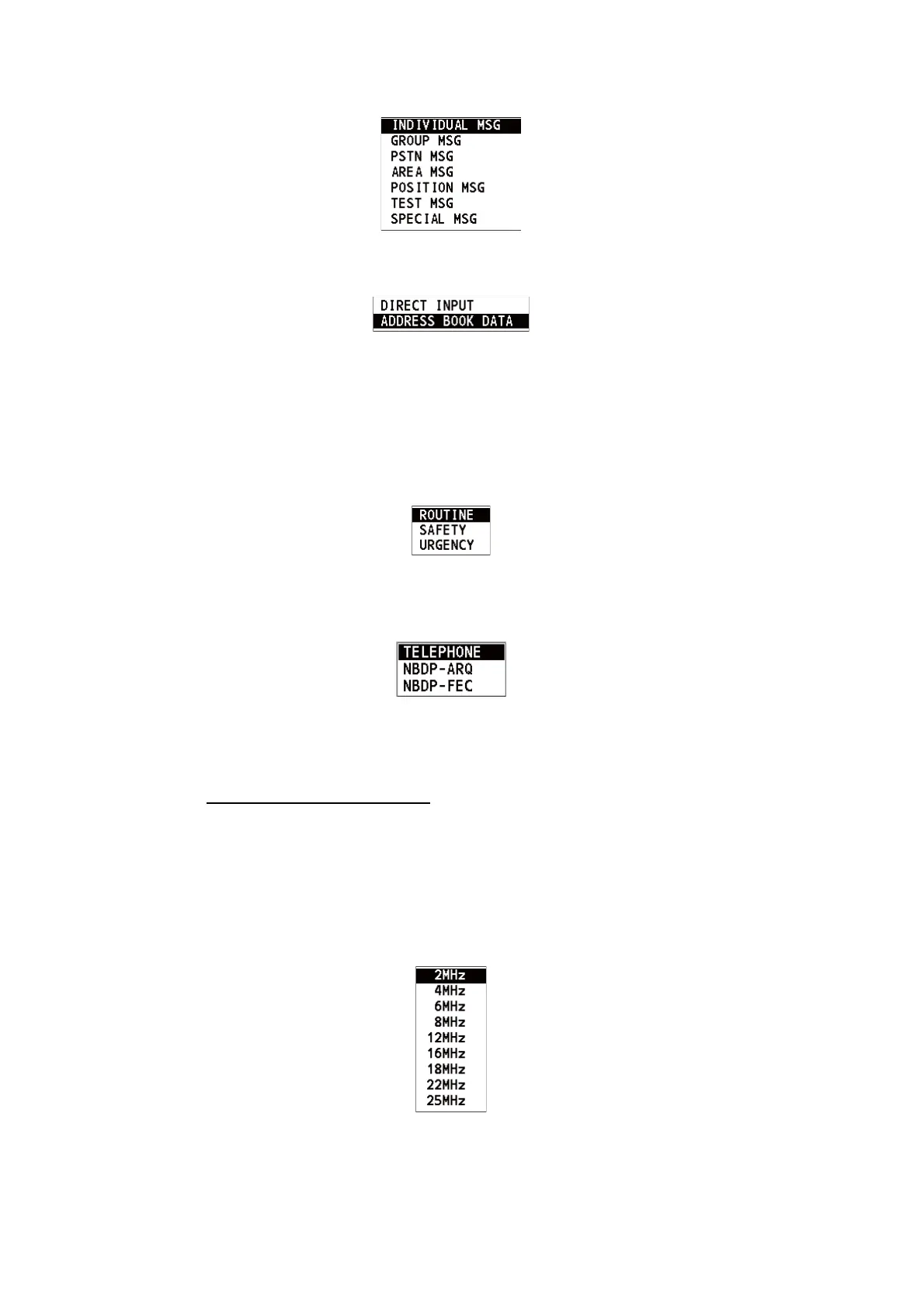
3. Rotate the ENTER knob to select [INDIVIDUAL MSG] then push the knob.
4. With [TO] selected, push the ENTER knob.
5. Rotate the ENTER knob to select [DIRECT INPUT] or [ADDRESS BOOK DATA]
then push the knob.
[ADDRESS BOOK DATA]: Select an MMSI from the [ADDRESS BOOK] (see
section 6.15) then push the ENTER knob.
[DIRECT INPUT]: Enter the MMSI of the station where to send the call then push
the ENTER knob.
6. Rotate the ENTER knob to select [PRIORITY] then push the knob.
7. Rotate the ENTER knob to select [ROUTINE], [SAFETY] or [URGENCY] then
push the knob.
8. With [COMM MODE] selected, push the ENTER knob.
9. Rotate the ENTER knob to select communication mode then push the knob.
Note: NBDP terminal unit is required for [NBDP-ARQ] and [NBDP-FEC].
10. Follow "How to set DSC frequency" to set DSC frequency.
How to set DSC frequency
The [COMM FREQ] is automatically set to the same pair frequency as the DSC
frequency. If you change the communication frequency, set the [DSC FREQ] be-
fore setting the [COMM FREQ].
Routine priority
1) Rotate the ENTER knob to select [DSC FREQ] then push the knob.



 To Next Page