3
Radar
Suppressing interference, stretching echoes
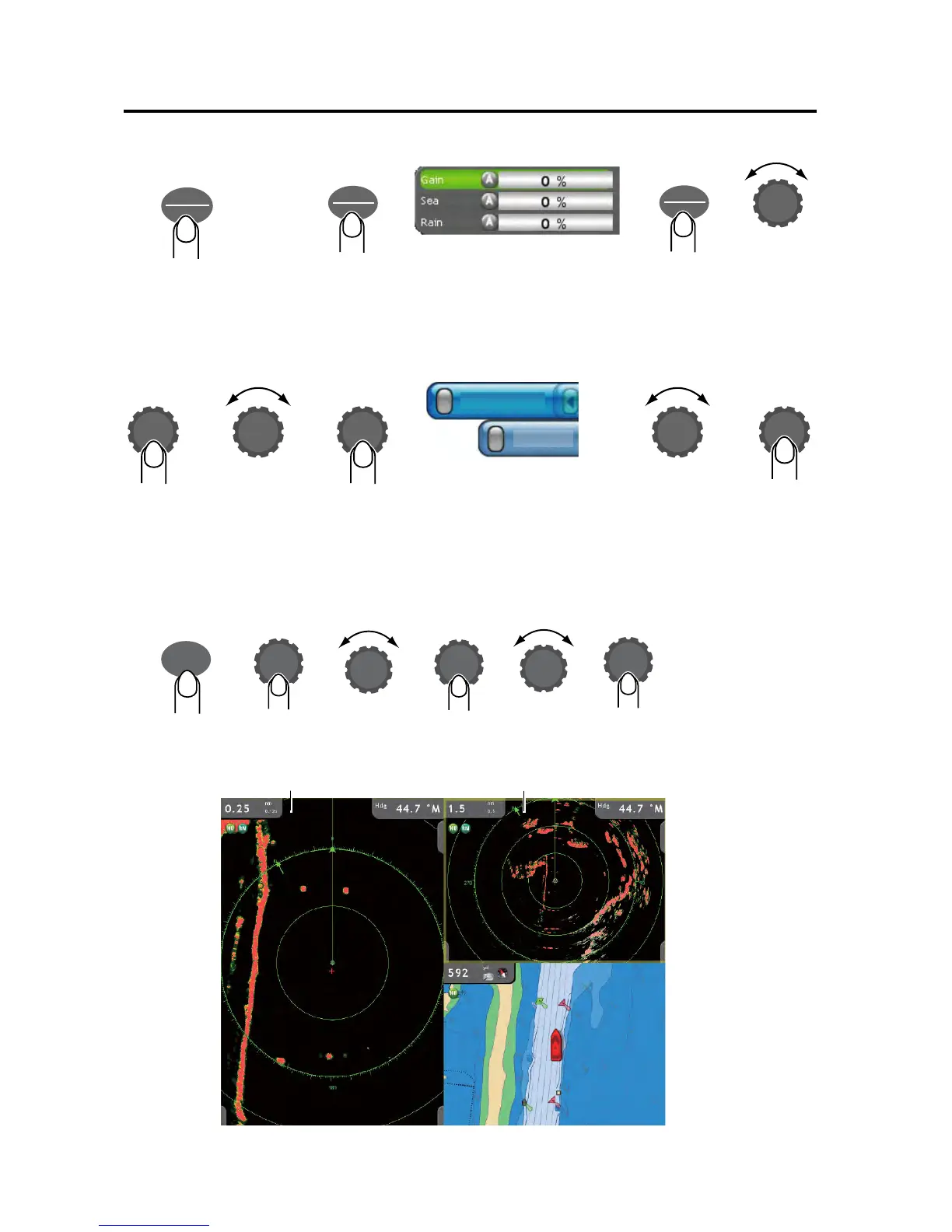
Dual range display
The dual range display offers both short and long range pictures simultaneously.
Toggling TX,
STBY
Adjusting gain, and rain and sea clutters
GAIN
TX
Long push to
toggle transmit,
standby.
GAIN
TX
Set level
and push.
Gain: Adjust receiver sensitivity.
Sea: Suppress sea clutter.
Rain: Suppress rain clutter.
GAIN
TX
Select Gain,
Rain or Sea.
Select Filters
soft control.
Select
desired filter.
Turn filter
on/off
alternately.
Int Reject: Reject radar
interference.
Stretch: Stretch echoes.
Int Reject
Stretch
Confirm
selection.
Long
push.
Close-range display (0.25 nm)
Longer range display (1.5 nm)
DISP
Select
radar icon
multiple
times.
Long
push
Select
a multiple
split screen.
Confirm
selection.
Select
radar
icon.
Confirm
selection.



 To Next Page
 Loading...












