1. BASIC OPERATION
1-3
1.2 How to Turn On/Off the Power
Turn on the power
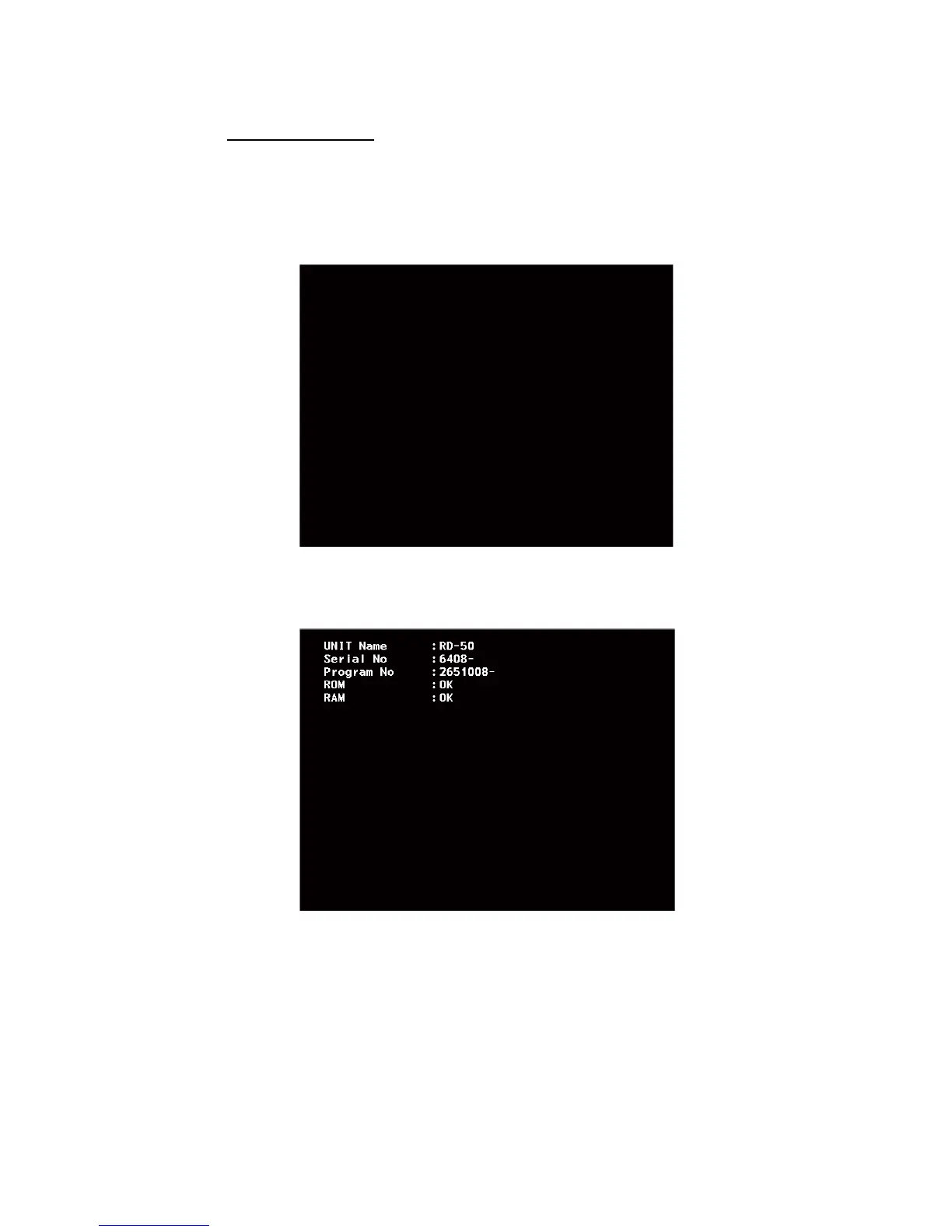
Press the PWR key to turn on the power. The initialization screen appears followed by
the start-up screen. The start-up screen shows the unit name, serial number, program
number and the results of the ROM and RAM check, OK or NG (No Good). If NG ap-
pears, contact your dealer.
Initialization screen
Start-up screen
After the self-tests are completed, the last-used data screen (see section 1.4)
appears.
Note 1: The screen refreshes slower in low temperature ambient.
Note 2: The view angle at nighttime is narrower than at daytime.
Now Initializing ...
STARTER VERSION 2651006-XX.XX
BOOTER VERSION 2651007-XX.XX
XX.XX: Program version number
XXXX: Serial number
XX.XX: Program version number
XXXX
XX.XX



 To Next Page
 Loading...








