3. MAINTENANCE, TROUBLESHOOTING
3-4
4. Press each key for RD-50, RD-501 or RD-502 one by one. A key's on-screen lo-
cation turns red if the key is normal. When you press the key again, red changes
to white.
5. Press the MENU/ESC key three times to escape from the test.
6. Press the DISP key to close the menu.
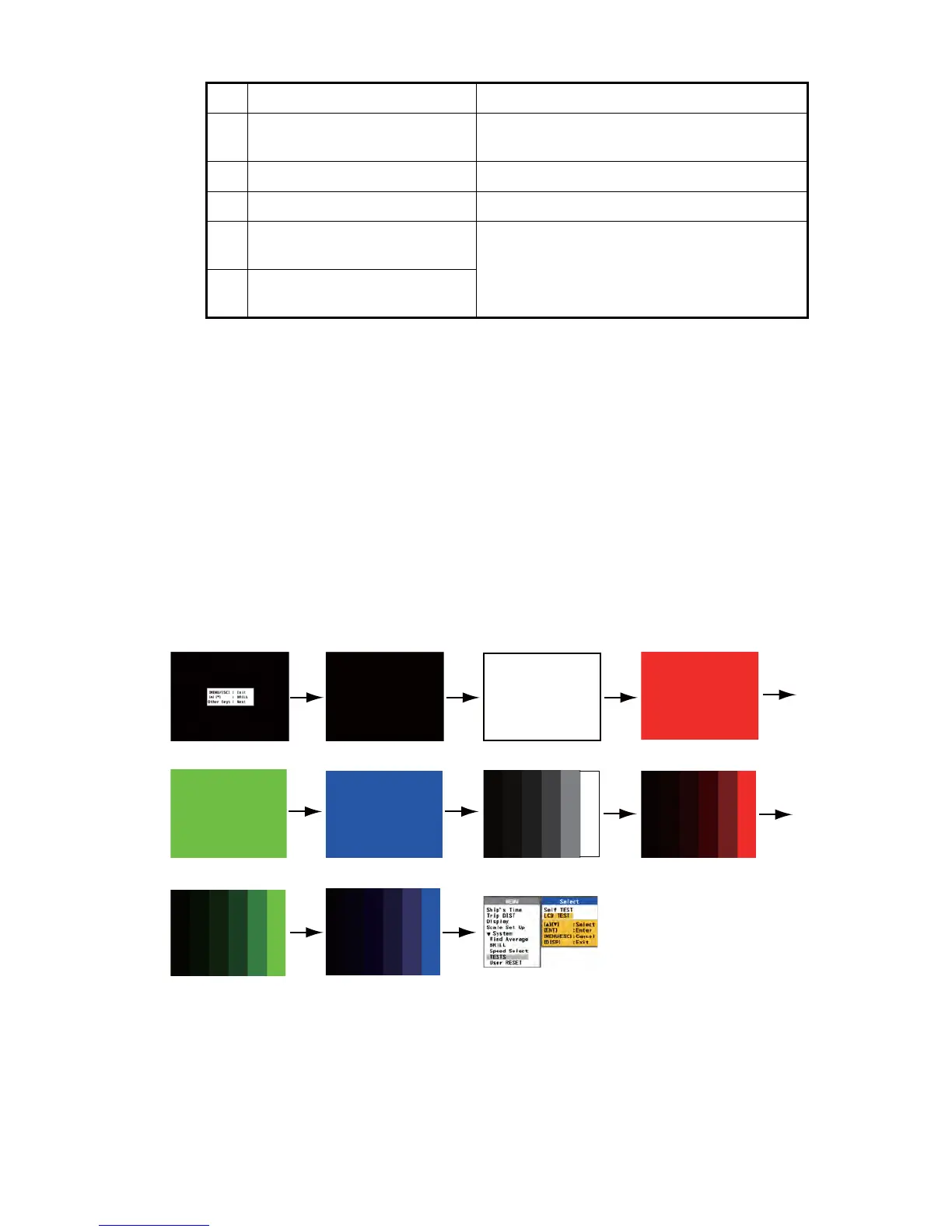
3.4 LCD Test
1. Press the MENU/ESC key to open the menu.
2. Press S or T key to select [TESTS] and press the ENT key.
3. Press S or T key to select [LCD TEST] and press the ENT key.
4. Press the ENT (or DISP, DAY/NT) key repeatedly. The screen changes as fol-
lows.
LCD TEST screen
5. Press the DISP key to close the menu.
Note 1: You can cancel the test any time when you press the MENU/ESC key.
The menu screen appears.
Note 2: You can adjust the display brilliance with S or T key during the test.
4 LCD Time The accumulative operation time of LCD (max-
imum: 999999 hours) is displayed.
5 BRILL The current setting of brilliance is displayed.
6 +5V line voltage The voltage of the +5V line is displayed.
7 Program version (STARTER,
BOOTER, MAIN)
Each program number and its program version
numbers are displayed.
8 Program version (REMOTE
(RD-501), DIMMER (RD-502))
No. Items Description
Operating explanation
Black
White
Red
Green
Blue
6 tones of gray
6 tones of red
6 tones of green
6 tones of blue
Menu



 To Next Page