3. MAINTENANCE, TROUBLESHOOTING
3-5
3.5 How to Reset the User Settings
You can restore all settings except setting in the [Trip DIST] menu.
1. Press the MENU/ESC key to open the menu.
2. Press S or T key to select [User RESET] and press the ENT key.
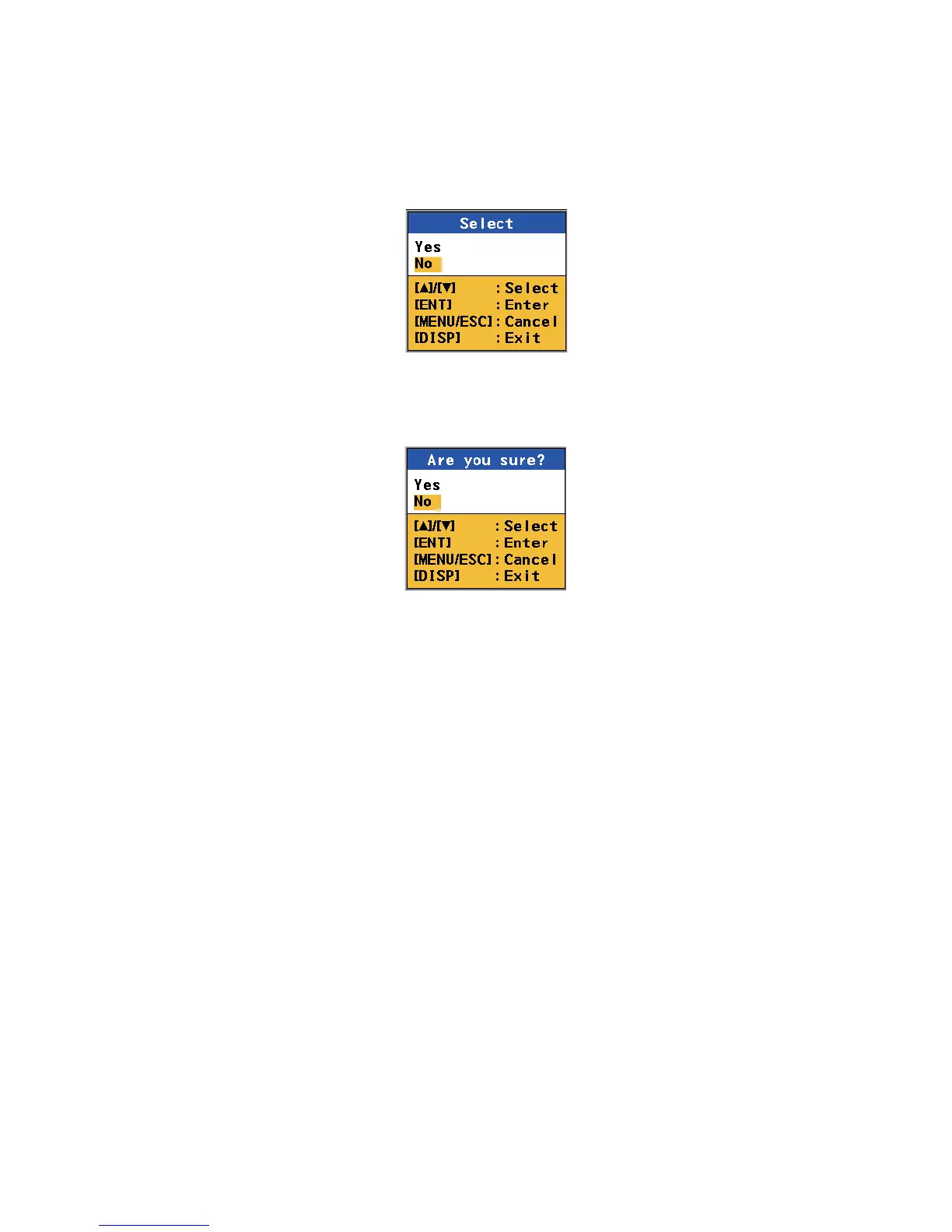
Use RESET options
3. Press S key to select [Yes] and press the ENT key. The confirmation message
appears.
Confirmation options
4. Press S key to select [Yes] and press the ENT key. The equipment restarts with
the default settings.



 To Next Page