2. MENU
2-28
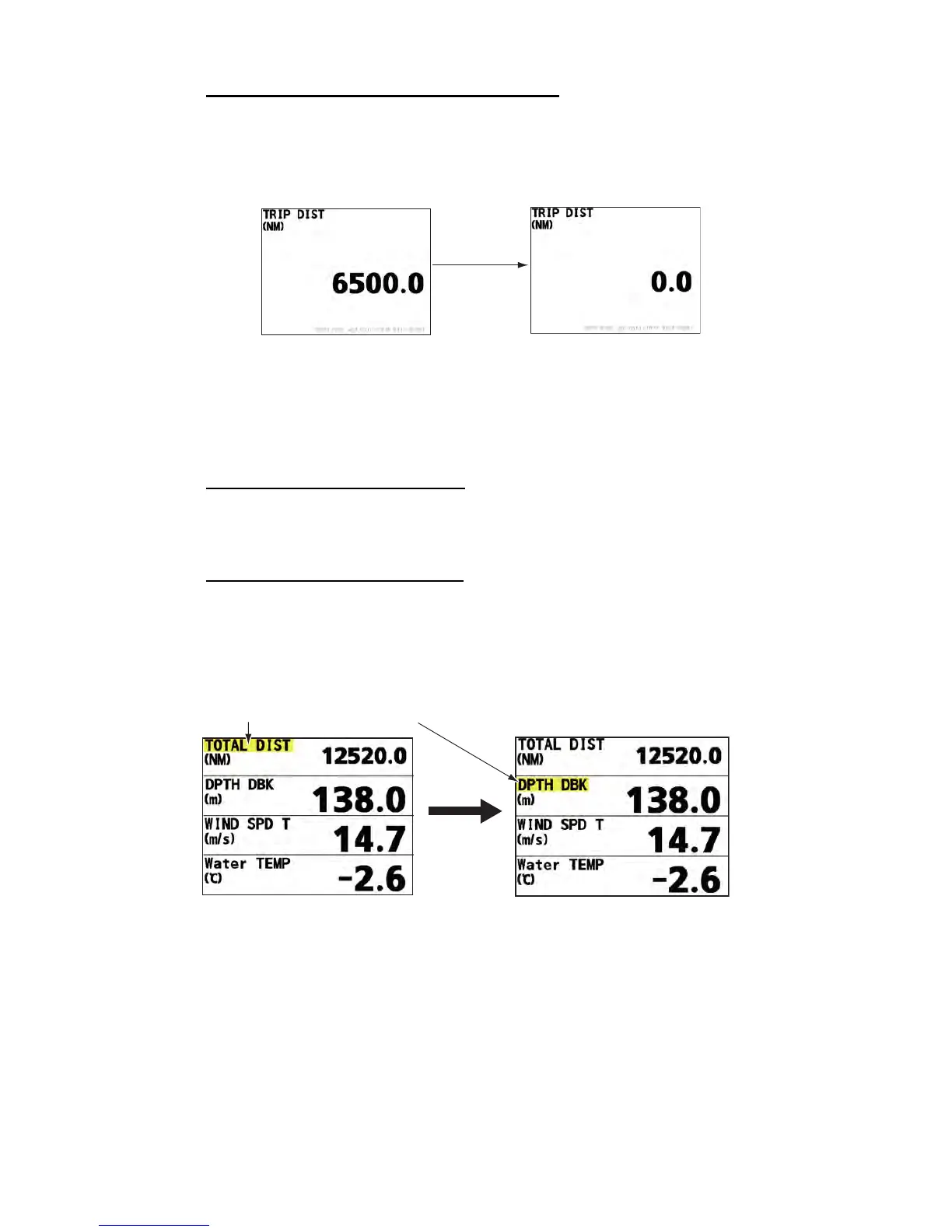
How to reset the trip distance at data screen
You can reset the trip distance by long-pressing the ENT key at the trip distance data
screen.
Note: This operation is not available in the [External] mode.
2.16 Operation with RD-501
You can change the scale/indication with the MODE key and the unit of measurement
with the UNIT key.
Operation on the no-split screen
1. Press the DISP key to select the screen which you want to change the setting.
2. Press the MODE key or the UNIT key to select desired setting.
Operation on the divided screen
1. Press the DISP key to select the screen which you want to change the setting.
2. Press the MODE key or the UNIT key to display the cursor in yellow.
3. Press the DISP key to select the menu items which you want to change the set-
ting.
4. Press the MODE key or the UNIT key to change the setting.
5. Repeat steps 2 to 4 to change other settings.
6. Press the DISP key till the cursor (yellow) turns off.
Long pressing
the ENT key
Cursor (yellow) highlights currently selected menu item.
DISP key



 To Next Page