2. SONAR OPERATION
19
2.4.3 Choosing line/symbol color
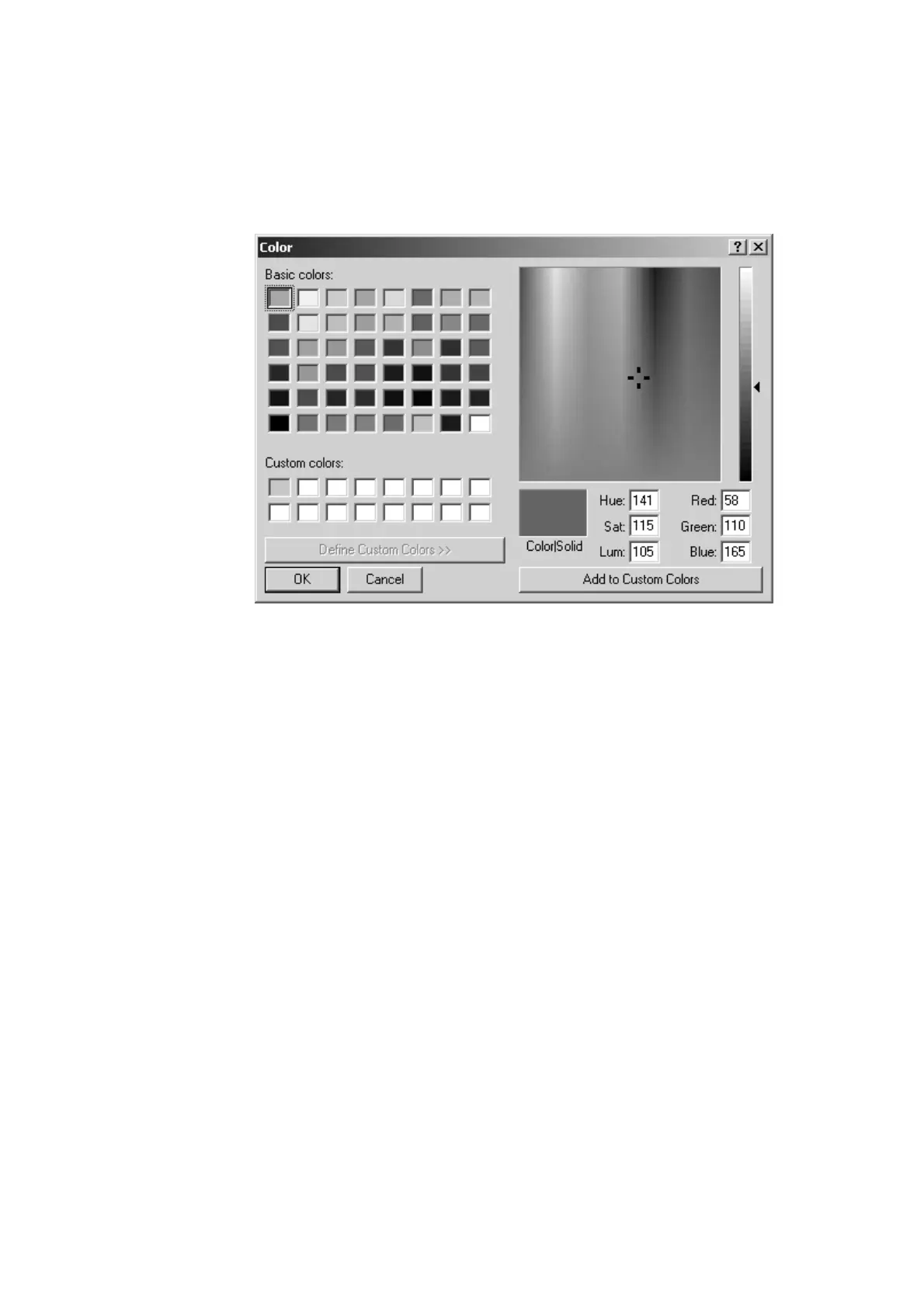
The default line/symbol color is white. However, you may choose line/symbol
color as desired. Choose Line/Symbol Color from the Draw menu, and the dialog
box shown below appears. Choose the desired color and then click the OK
button.
Color dialog box
2.4.4 Clearing line/symbol art
Clearing all symbols
Place the cursor on a symbol and then double-click the left mouse button.
Clearing a line
Place the cursor on the ending point of the line you wish to erase and then
double-click the left mouse button.
Clearing all symbol/line art
Choose Clear line Art from the Draw menu.
Stopping drawing
The Stop Drawing command in the Draw menu is used to quit any drawings.



 To Next Page