4. DEPTH/TEMPERATURE DISPLAY
32
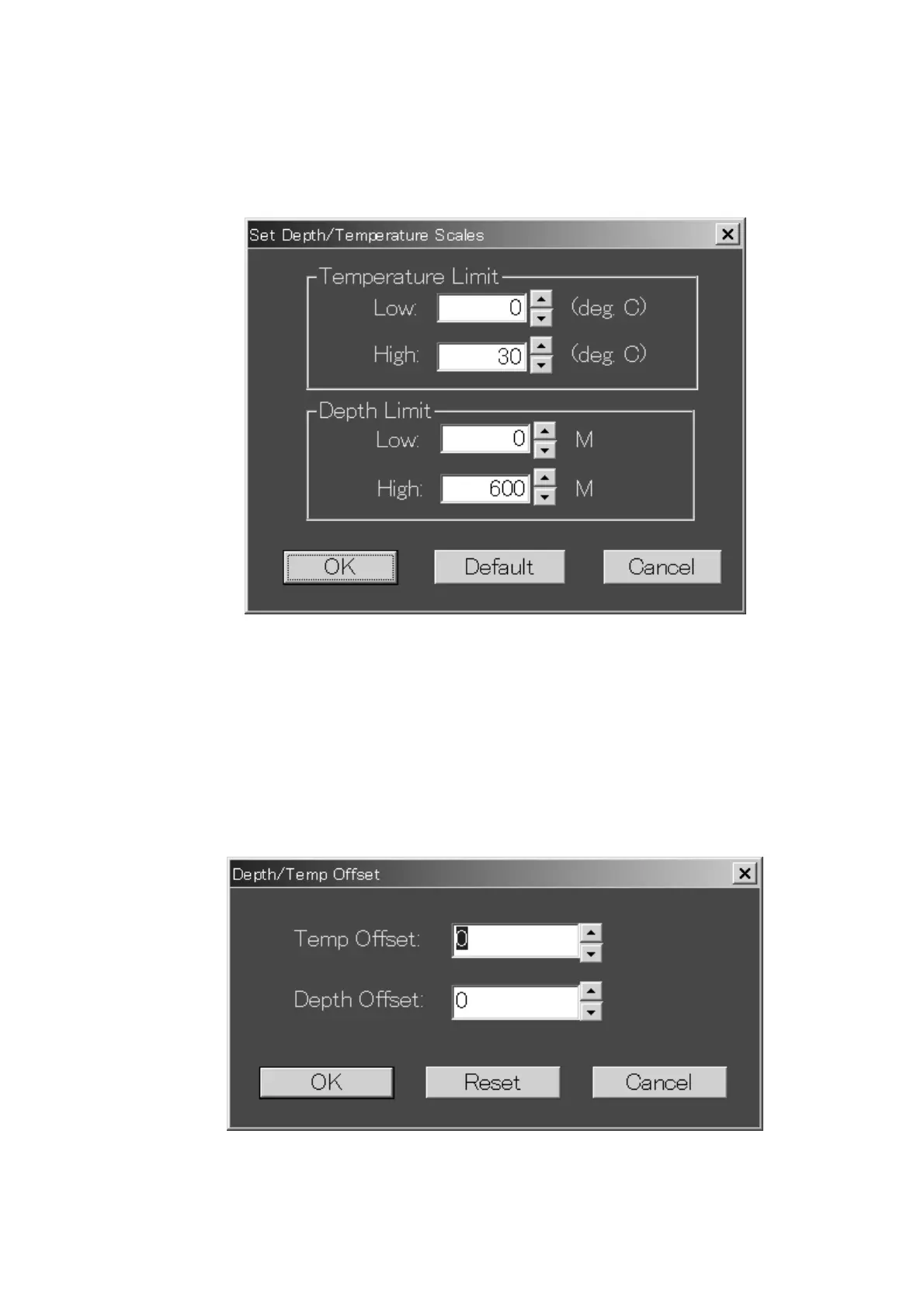
4.2 Setting Depth/Temperature Limits
You may set the depth and temperature display limits with Depth/Temp Limits on
the Options menu. Set low and high limits with the spin buttons and then click
the OK button.
Set Depth/Temperature Scales dialog box
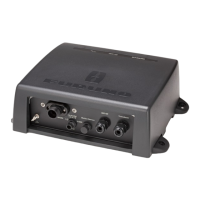
4.3 Depth/Temperature Offset
If the depth and/or temperature readout is incorrect you may enter an offset to
correct it(them). Choose DT Offset from the Options menu to show the
Depth/Temp Offset dialog box. Enter the appropriate offset with the spin buttons
and then press the OK button. To remove the offsets, click the Reset button.
Depth/Temp Offset dialog box



 To Next Page