3. EQUIPMENT SETUP
3-12
[Initial Setup] menu - [Engine & Tank Manual Setup]
The manual set up method should only be used if the automatic setup did not correctly
detect your engines or tanks.
3.4 How to Set Up the Radar
1. Tap the [FURUNO] icon ( ) to show the home screen and display mode
settings.
2. Tap [Radar] from the [Settings] menu.
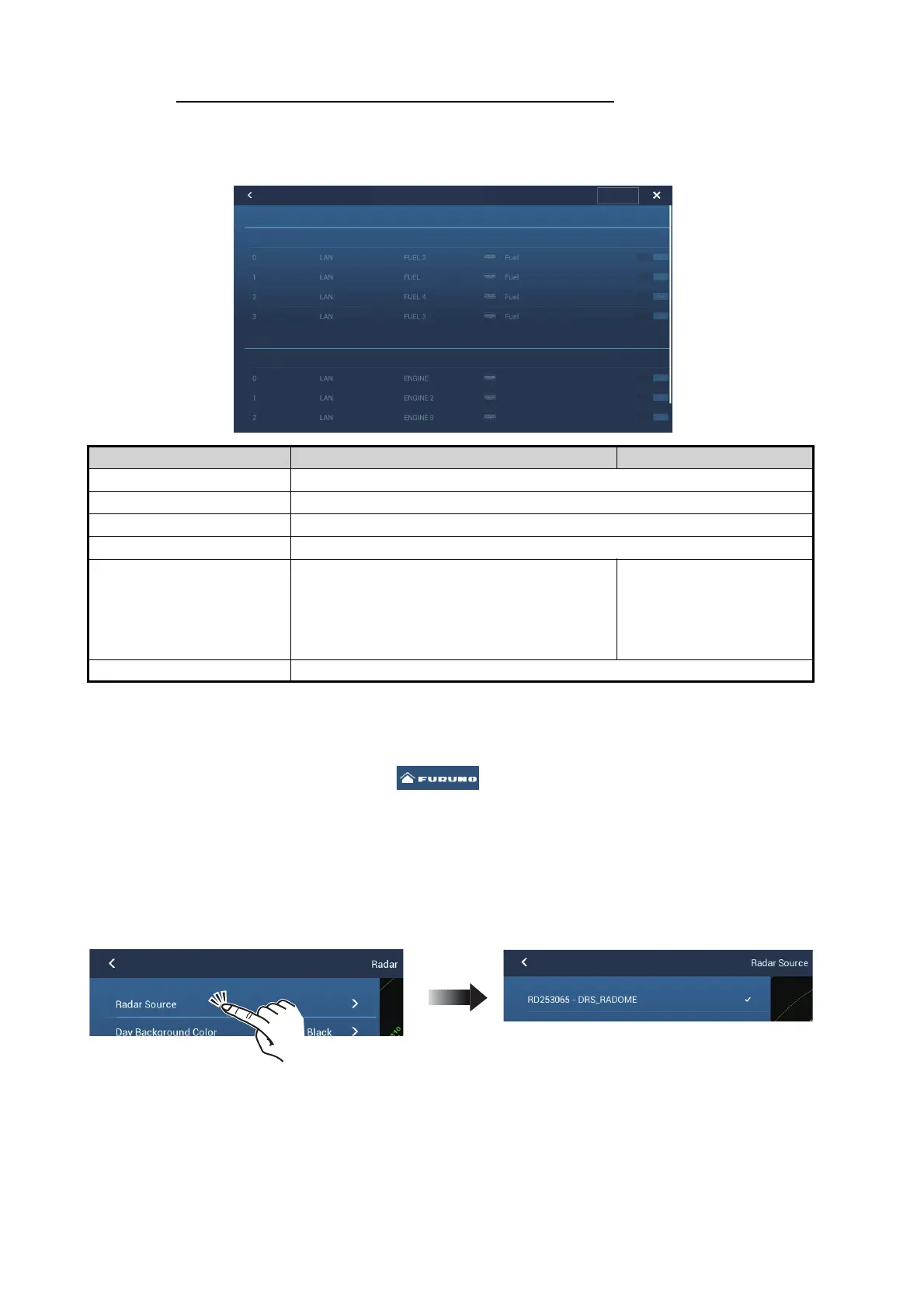
3. Tap [Radar Source], then select the appropriate radar sensor.
Note: If a DRS sensor is connected but does not appear in the [Radar Source] list,
close the list and open it again. The name of the DRS sensor should appear with
a check mark, as in the example below.
4. Drag the [Radar] menu display the menu item [Radar Initial Setup], then tap
[Radar Initial Setup].
5. Referring to the tables on the following pages, set up the radar.
Menu Item Description Options (setting range)
[Instance] Engine, tank NMEA 2000 instance number.
[Data Source] Engine, tank source.
[Nickname] Change the nickname for the engine or tank.
[Fluid Type] Engine, tank, fluid type.
[Used For Propulsion] Select which engine/tank is used to
calculate the distance which may be
traveled using the remaining fuel. [ON] uses
the engine/tank for calculations, [OFF] ig-
nores the engine/tank.
[OFF], [ON]
[Reset] Resets the engine/tank details to default.
Instance Data Source NickName Fluid Type Used for Propulsion
Instance Data Source NickName Used for Propulsion
Engine & Tank Setup
Reset
TANK SENSOR
ENGINE SENSOR















 To Next Page