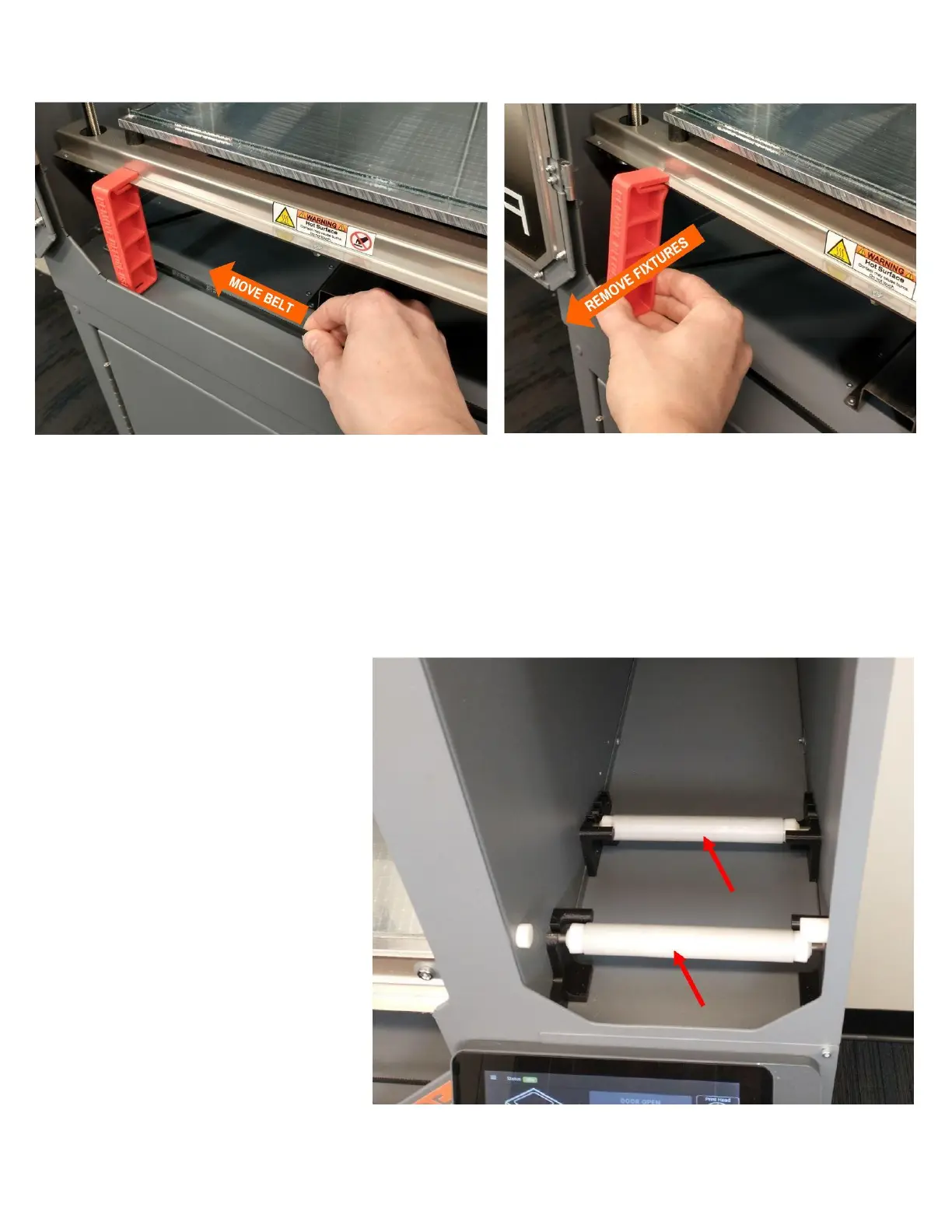
3. Slide the fixtures off of the front edge of the Z axis. You may need to lift the Z axis slightly by moving
the belt as shown in the picture.
PLEASE RETAIN THE FIXTURES WITH YOUR PACKING MATERIALS: You will need to reinstall
them if you need to transport or ship your EDGE 3D printer in the future
INSTALL FILAMENT SPOOL ROLLERS
Remove the filament spool rollers from
your toolkit and install them into the
holders in the bottom of the filament
bay as shown.



 To Next Page