CONNECT POWER & ETHERNET
IMPORTANT NOTE FOR INTERNATIONAL CUSTOMERS
1. FUSION3 IS UNABLE TO SUPPLY A POWER CORD FOR LOCATIONS OUTSIDE OF THE USA and
CANADA DUE TO THE VARIETY AND TYPES OF PLUGS IN YOUR LOCATION. PLEASE SOURCE
A 3-PRONGED DESKTOP COMPUTER PLUG (18 AWG)
2. YOU WILL NEED TO CHECK THE INTERNAL POWER SUPPLY’S VOLTAGE SELECT SWITCH
BEFORE POWERING ON YOUR EDGE. PLEASE CONTACT FUSION3 SUPPORT FOR
ASSISTANCE.
DO NOT POWER ON YOUR 3D PRINTER ON WITHOUT PERFORMING THESE STEPS!
To connect the power cord:
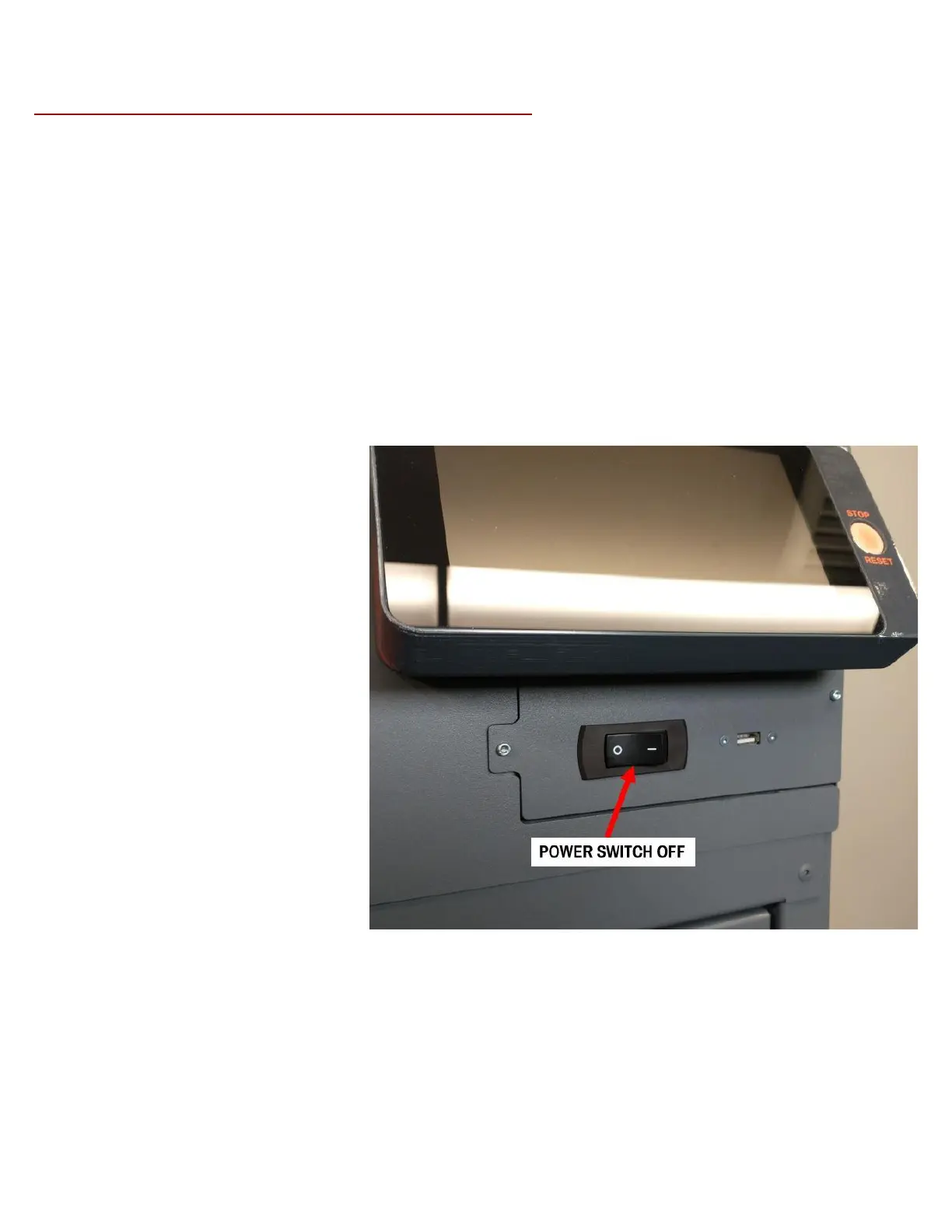
1. Make sure the power switch on the
front of the machine (under the
LCD) is set to "O" or "off".



 To Next Page