117
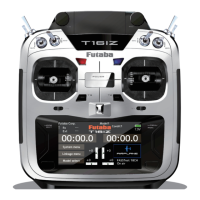
T16IZ has a menu for each of the following:
System, Linkage, and Model. Also, you can
create a personalized User menu that can include
all of the menus that you use most often.
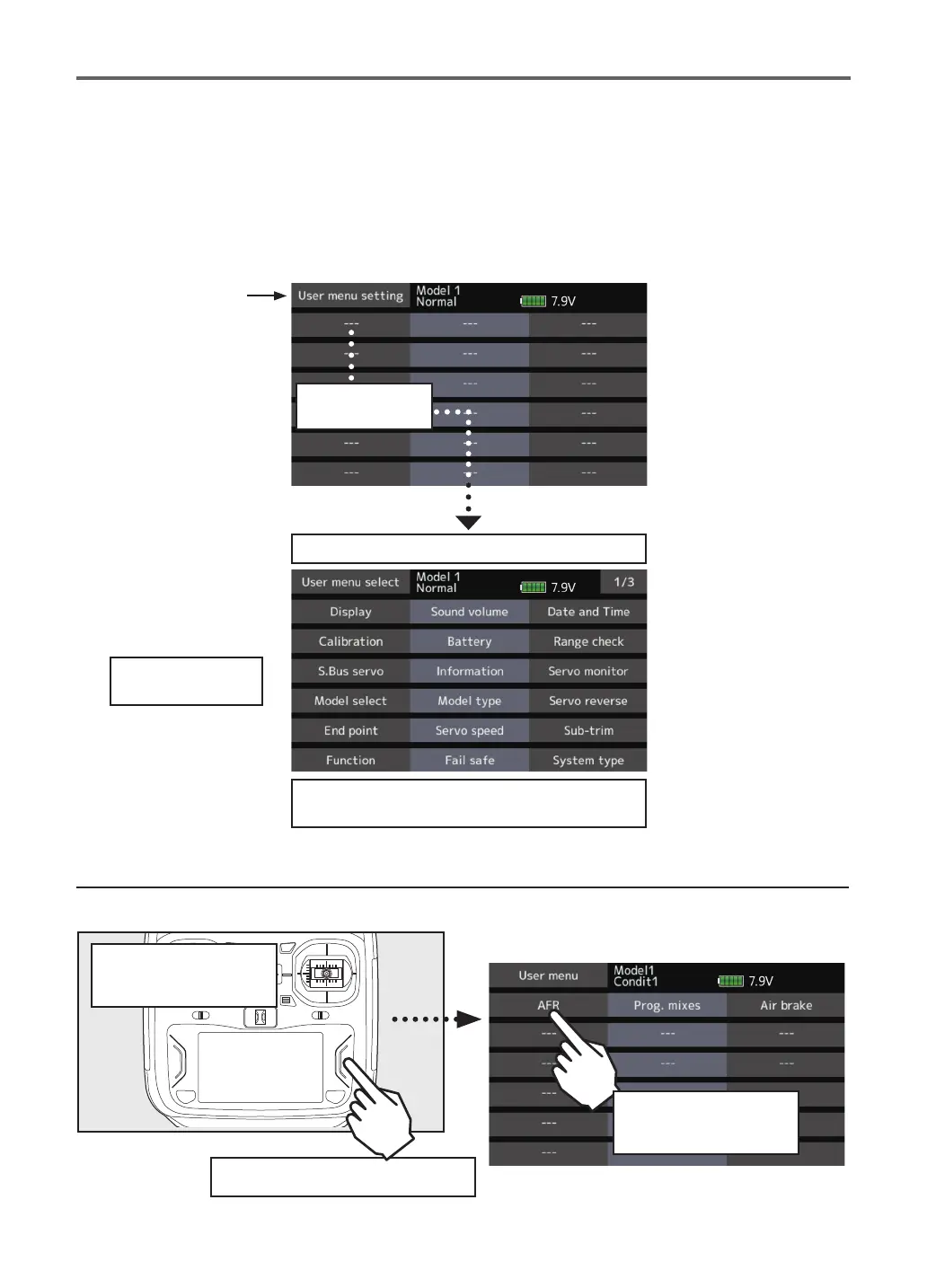
How to call a User menu
1. From the home screen, press the U.MENU/MON. button.
*Any change made to data entered from the User menu or
from the normal method of use are the same. Changes made
in either way are saved into the transmitter memory.
User menu setting
Original menu screen making
● Tap the [User menu setting] button in the
Linkage menu to call the setup screen
shown below.
Tap here to select
your rst choice.
Once pressed, 3 pages of choices will be displayed.
Make your selection, press your choice and the
rst of your "User menu" will be entered.
When "---" is chosen,
it can be deleted.
HOME
screen
Press the U.MENU/MON.
From the home
screen
●Return to Linkage menu
Function can be
called by a tap


 To Next Page