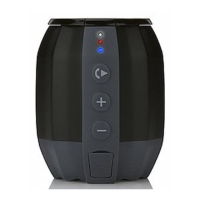
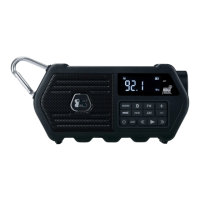
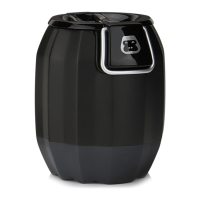
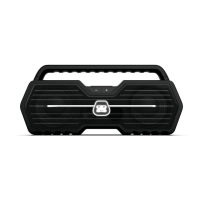
BLUETOOTH WIRELESS
You can stream audio to G-DROP from up to 33’ away using your iPod,
iPhone, iPad, Android, laptop, or other A2DP Bluetooth enabled device.
1 Press the Power Button to turn G-DROP on and the Blue LED will begin to
flash. If the last paired Bluetooth device is powered on and within range
with Bluetooth enabled, the device will automatically reconnect G-DROP.
If you want to connect a different Bluetooth device, press and hold the Pair
Button for about two seconds, the Blue LED will begin to flash indicating
G-DROP is in pairing mode.
2 On your A2DP-enabled device, enable Bluetooth, then search for
Bluetooth devices. Select
”G-DROP” from the available list.
3 The Blue LED on G-DROP will change from flashing to solid, indicating that
your Bluetooth device is connected to G-DROP.
4 Once your Bluetooth device has been paired with G-DROP, it is simple to
reconnect them. Make sure G-DROP is powered on and within range then
simply select
”G-DROP” from the list on your Bluetooth device.
NOTES: For the best audio performance, turn the volume on your Bluetooth source
device all the way up.


 To Next Page