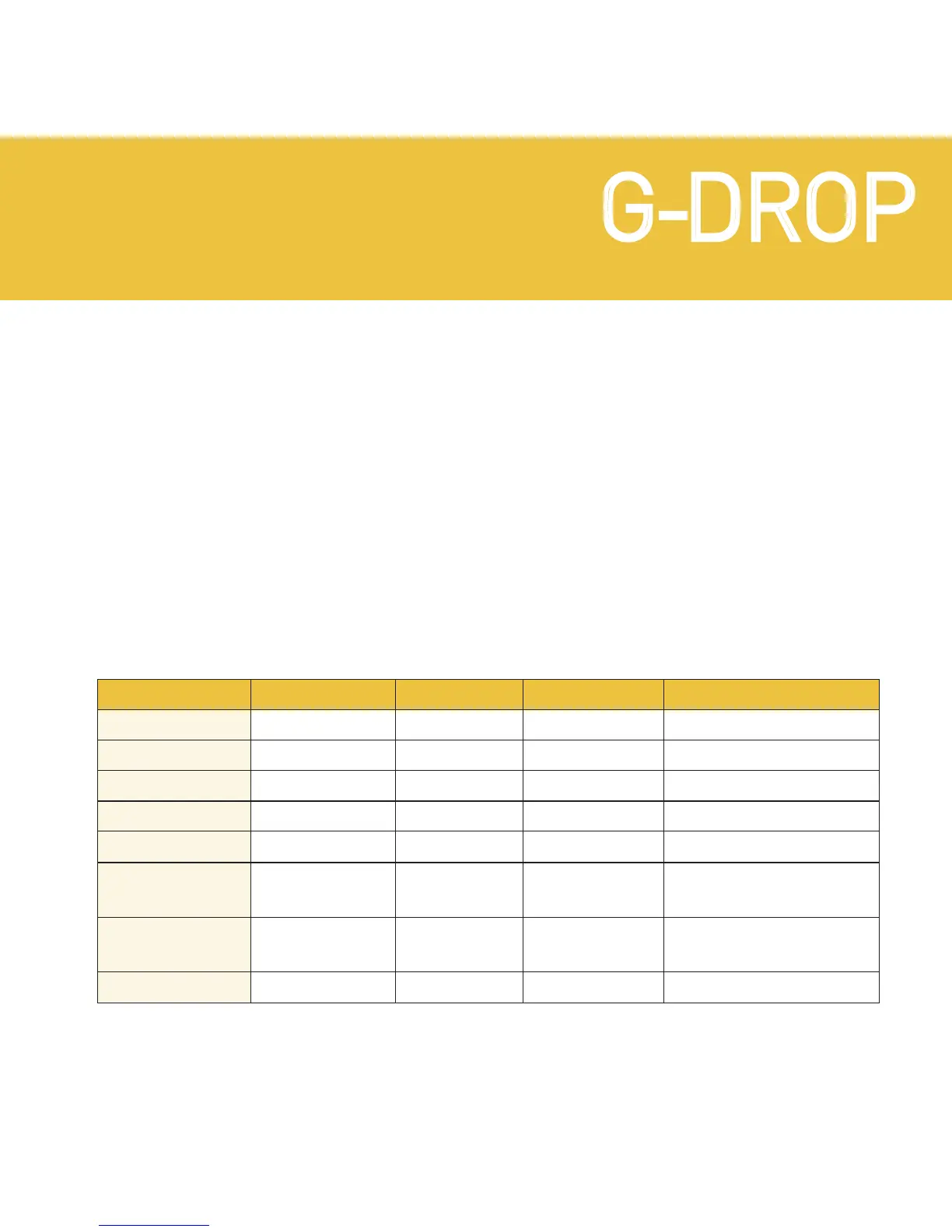
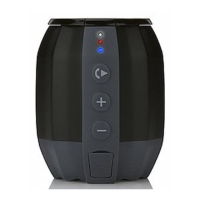
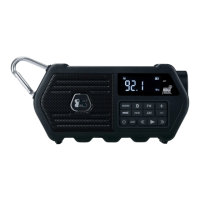
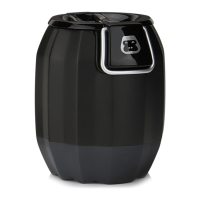
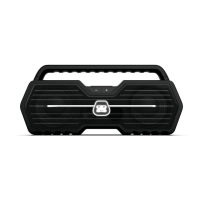
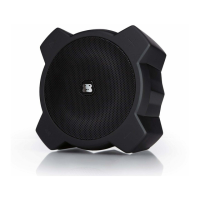
WATERPROOF WIRELESS SPEAKER
G-DROPG-DROP
White LED
OFF
OFF
ON
ON
ON
ON
ON
OFF
Red LED
OFF
ON
OFF
ON
OFF
Flash once
every 3 secs
Flash once
every 2 secs
OFF
Battery Status
FULL
NOT FULL
FULL
NOT FULL
NOT FULL
LOW
VERY LOW
NO POWER
Power Status
OFF
OFF
ON
ON
ON
ON
ON
OFF
Speaker Status
––
Battery Charging
––
Battery Charging
Using Battery Power
Battery Low
Battery VERY Low
Will Not Power On
LED INDICATORS
Bluetooth LED: When G-DROP is in paring mode, the Bluetooth LED
will flash blue. Once G-DROP has paired successfully with a Bluetooth
compatible device, the Bluetooth LED will turn solid blue.
Power / Charging LED: The red and white LEDs indicate the following
statuses:


 To Next Page