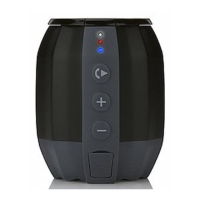
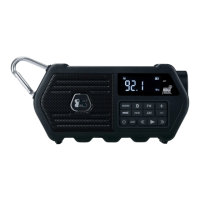
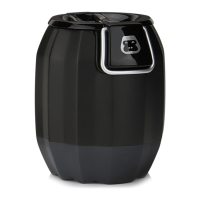
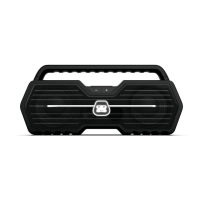
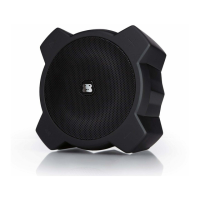
WATERPROOF WIRELESS SPEAKER
G-DROPG-DROP
HANDS-FREE SPEAKERPHONE
You can use G-DROP as a hands-free speakerphone when answering phone
calls on your mobile device.
1 Press the Play Button to answer an incoming call.
2 Press the Play Button again to hang up and end the call.
3 To ignore an incoming call, press and hold the Play button when a call is
received.
NOTE: Normal use of this function requires that G-DROP is powered on and paired
successfully with your Bluetooth enabled device.
NOTES (con’t): G-DROP can only play audio from one source at a time. If G-DROP
is connected to a Line In source, the Bluetooth will not function. Simply unplug
the 3.5mm Line In audio cable or press the Pair Button to switch to Bluetooth
(if necessary, select ”G-DROP” on your Bluetooth device).
G-DROP will automatically turn off if it has not paired with a device after 15
minutes.


 To Next Page