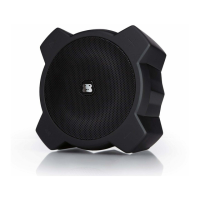
BLUETOOTH WIRELESS SPEAKER
RECONNECTING YOUR
BLUETOOTH DEVICES
Once your Bluetooth device has been paired with G-MEGA, it is simple to
reconnect them.
1 Make sure that G-MEGA is powered on and within range.
2 Select “G-MEGA ” from the list on your Bluetooth device.
3 The blue Bluetooth LED indicator and LED lighting logo will change from
ashing to solid,indicating that your Bluetooth device is reconnected to
G-MEGA .
NOTES:
•
For best audio performance, turn the volume on your Bluetooth source device all the
way up.


 To Next Page