VOLUME CONTROL
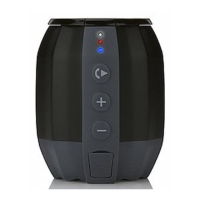
Press the VOLUME
+
or VOLUME
–
buttons to increase or decrease the volume.
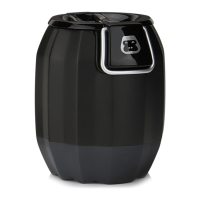
The LED lighting logo will ash once when the VOLUME buttons are pressed.
EQUALIZER (EQ)
There are 3 EQ presets:
EQ1 = (Default) Dynamic: full bass and crisp high frequencies.
EQ2 = Deep: Added emphasis on bass and low mids frequencies.
EQ3 = Bright: Added emphasis on mids, vocals and high frequencies.
Press the EQ Button repeatedly to cycle through them. The LED lighting logo will
ash 1, 2 or 3 times when the EQ button is pressed to indicate preset EQ1, EQ2 or
EQ3 respectively.
BLUETOOTH WIRELESS SPEAKER


 To Next Page