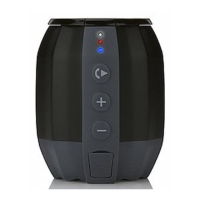
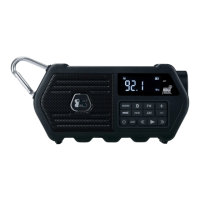
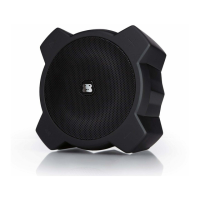
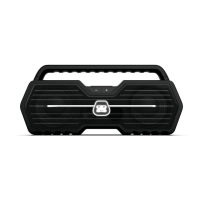
BLUETOOTH WIRELESS SPEAKER
USB CHARGING PORT
G-MEGA includes a USB charging port (DC 5V, 1A) for charging most devices,
including iPhone, iPod, Android devices and other compatible USB devices (USB
cable sold separately).
NOTE: G-MEGA must be turned on for devices to be charged with the USB
charging port.
LED LOGO LIGHTING EFFECTS
You can adjust the multi-color lighting effect of the LED lighting logo at the front
of G-MEGA. Press the LIGHT button repeatedly to select the desired mode
as follows:
NOTE: The default setting is L01 (Multi-color).
L01 (Multi-color) L02 (White) L03 (Blue) L04 (Green) L05 (Red) OFF


 To Next Page