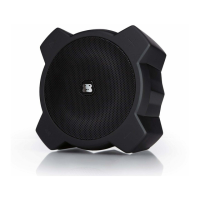
POWER SOURCE
Connect the supplied AC adapter (DC 20V 2.5A) to the DC IN Jack on the back of
G-MEGA and plug the other end into a standard wall outlet (100~240V 50-60Hz).
NOTES: Disconnect both ends of the AC adapter when not in use. Use only the supplied
AC adapter with the following spec: AC In - 100-240V AC, 50/ 60Hz / DC Out - 20V 2.5A
RECHARGE BATTERY
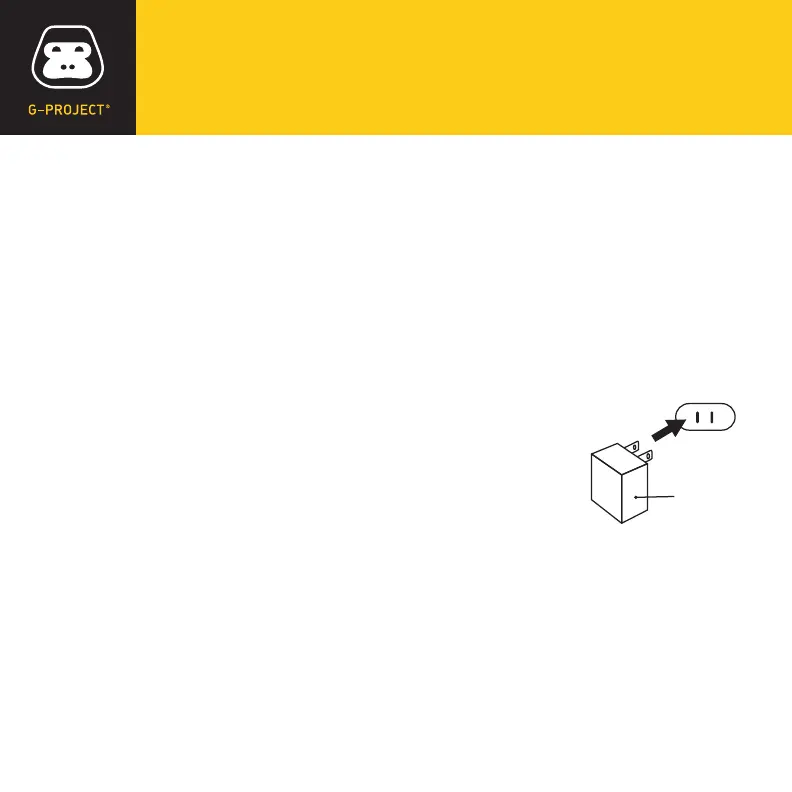
Connect the supplied AC adapter to the DC IN jack on the back
of G-MEGA and plug the other end into a standard wall outlet to
being automatically recharging the built-in battery. The red LED
Charging indicator on G-MEGA will illuminate to indicate
charging process and turn off when the battery is fully charged.
AC outlet
AC adapter
WHEN TO RECHARGE BATTERY
When G-MEGA battery is low, the red LED Charging indicator will begin ashing to
warn you to recharge your G-MEGA for continued use and enjoyment.
•
The battery is internal and cannot be replaced
•
Actual battery life varies with use, settings, and environmental conditions
•
Rechargeable batteries have a limited number of charge cycles
•
Charge the rechargeable battery at least biannually
NOTES


 To Next Page