Pag. 20 / 57 0MNLIBRAPROK10NPENUA 01
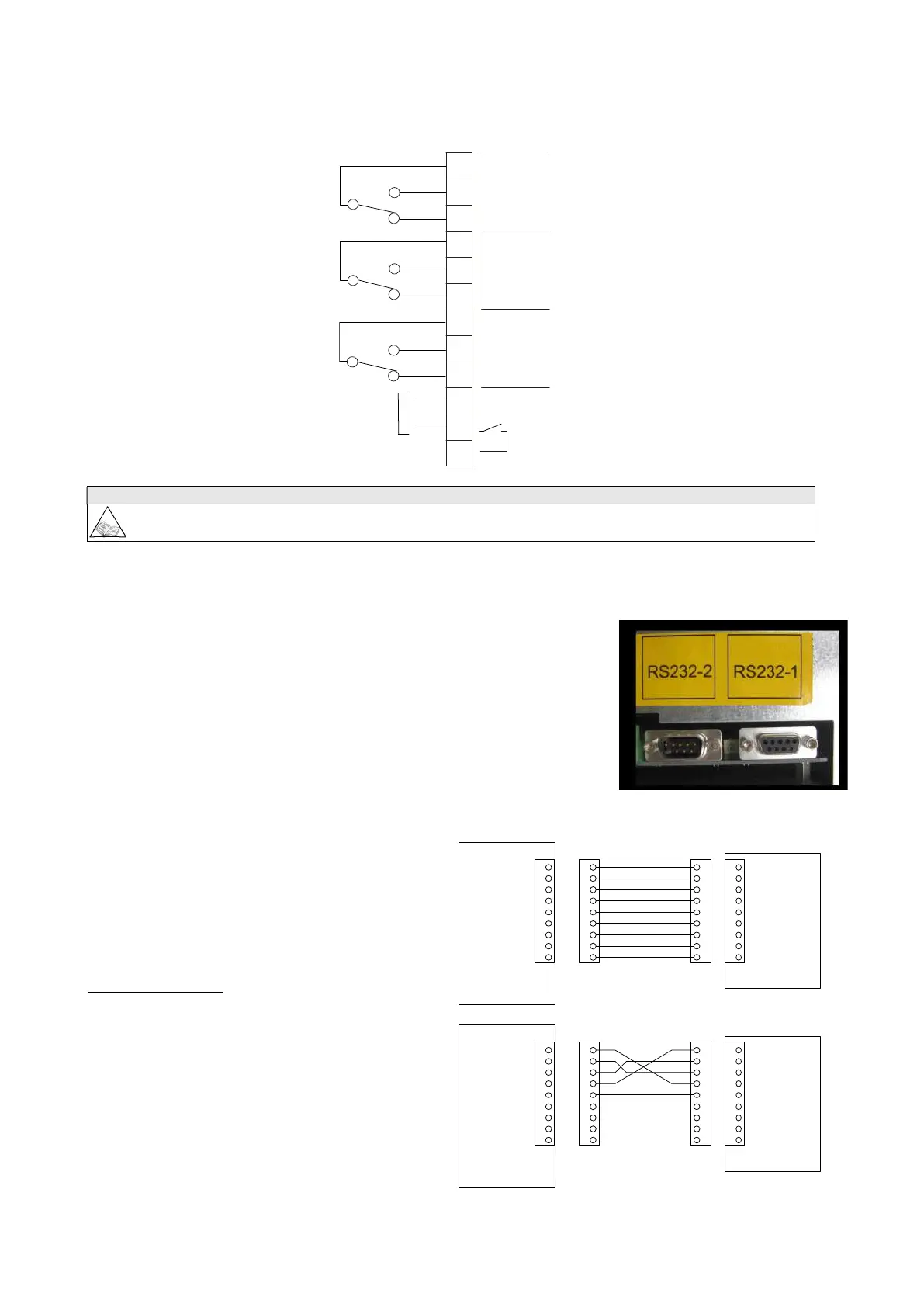
The position of the contacts shown is without the alarm present. The contacts can take a max. current of 1A with
250Vac.
Please refer to APPENDIX A for the list of alarms and commands that can be programmed. The change of
function may be made by the technical support personnel.
3.4.3 RS232
Nr. 2 DB9 connectors are available for RS232 connection. The factory-set
transmission protocol is the following:
9600 baud, -no parity, -8 bits, -1 stop bit.
The transmission speed may be varied from 1200 to 9600 baud, using the
PERSONALIZATIONS menu on the CONTROL PANEL. Depending on the
distance of transmission, the recommended values for the transmission speed are:
9600 baud 50m, 4800 baud 100m, 2400 baud 200m, 1200 baud 300m.
See the diagrams below for the connection procedure.
DB9 female RS232-2
For connection with a computer use a standard RS 232
cable. See the diagram for connection with a modem.
1
2
3
4
5
6
7
8
9
1
2
3
4
5
6
7
8
9
1
2
3
4
5
6
7
8
9
1
2
3
4
5
6
7
8
9
female
femmina
DB9
female
femmina
DB9
male
maschio
DB9
male
maschio
DB9
UPS
RS232-1
computer
Modem
1
2
3
4
5
6
7
8
9
1
2
3
4
5
6
7
8
9
1
2
3
4
5
6
7
8
9
1
2
3
4
5
6
7
8
9
female
femmina
DB9
female
femmina
DB9
male
maschio
DB9
male
maschio
DB9
UPS
RS232-1
1
2
3
4
5
6
7
8
9
10
11
12
12V
-
+
RL 1
RL 2
RL 3
IN 1


 To Next Page