p. 14
Using Your Drive
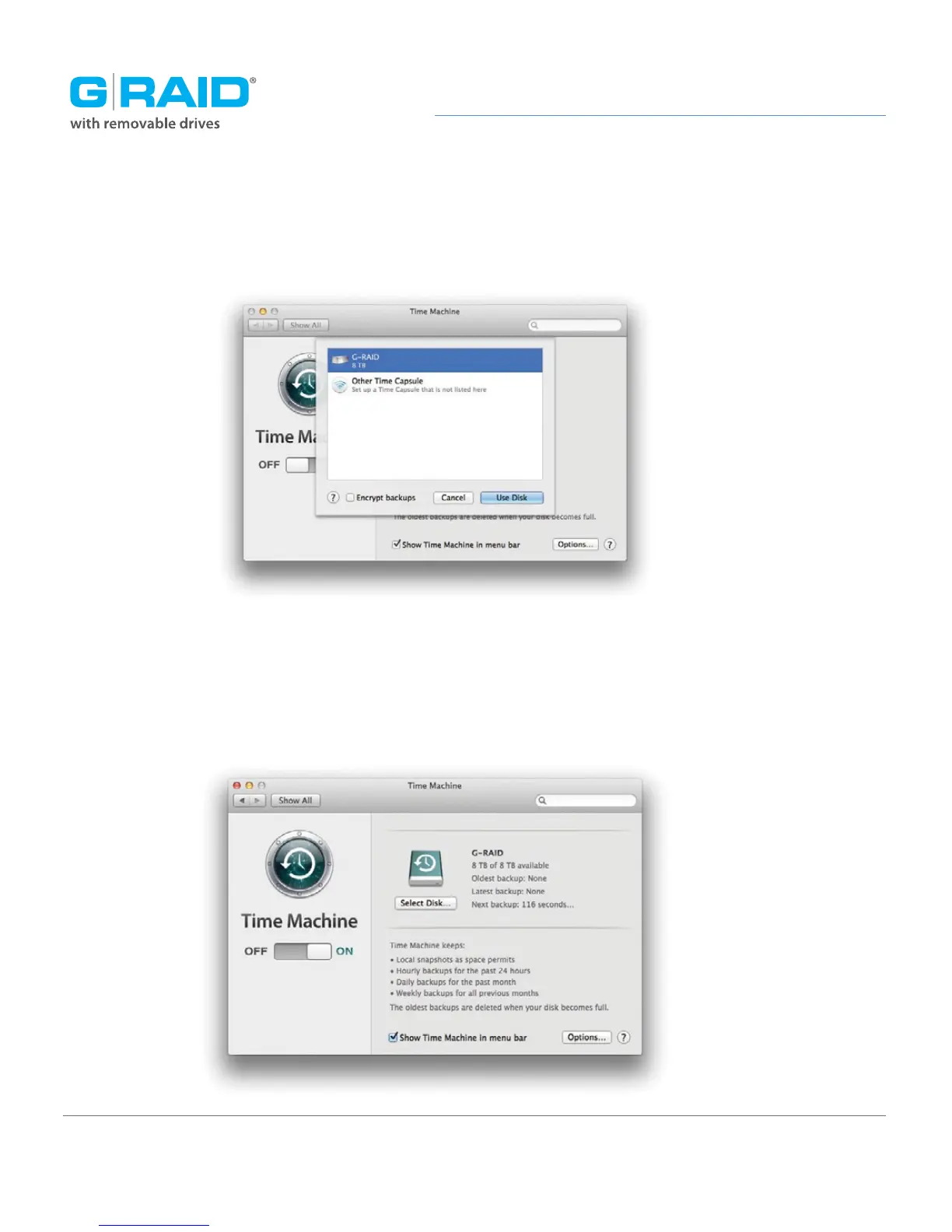
In the subsequent dialog box, select the G-RAID. Click the Use Disk button.
Make sure the Time Machine switch is set to ON. You can set its options by clicking the
Options button. Do this to choose volumes, folders, or files you do NOT want to backup.
G-RAID will now back up your important files automatically with Time Machine. It’s really
that easy!














 To Next Page