p. 23
Using Your Drive
The RAID Conguration Utility for Windows
The G-Technology RAID Configurator is used to change the RAID level of your G-RAID.
You can use USB 3.0, eSATA or FireWire 800 with the RAID Configurator. To configure G-
RAID, it will need to be the only device connected to your computer.
The RAID Configurator utility is available for download from the G-Technology website
at g-technology.com/support.
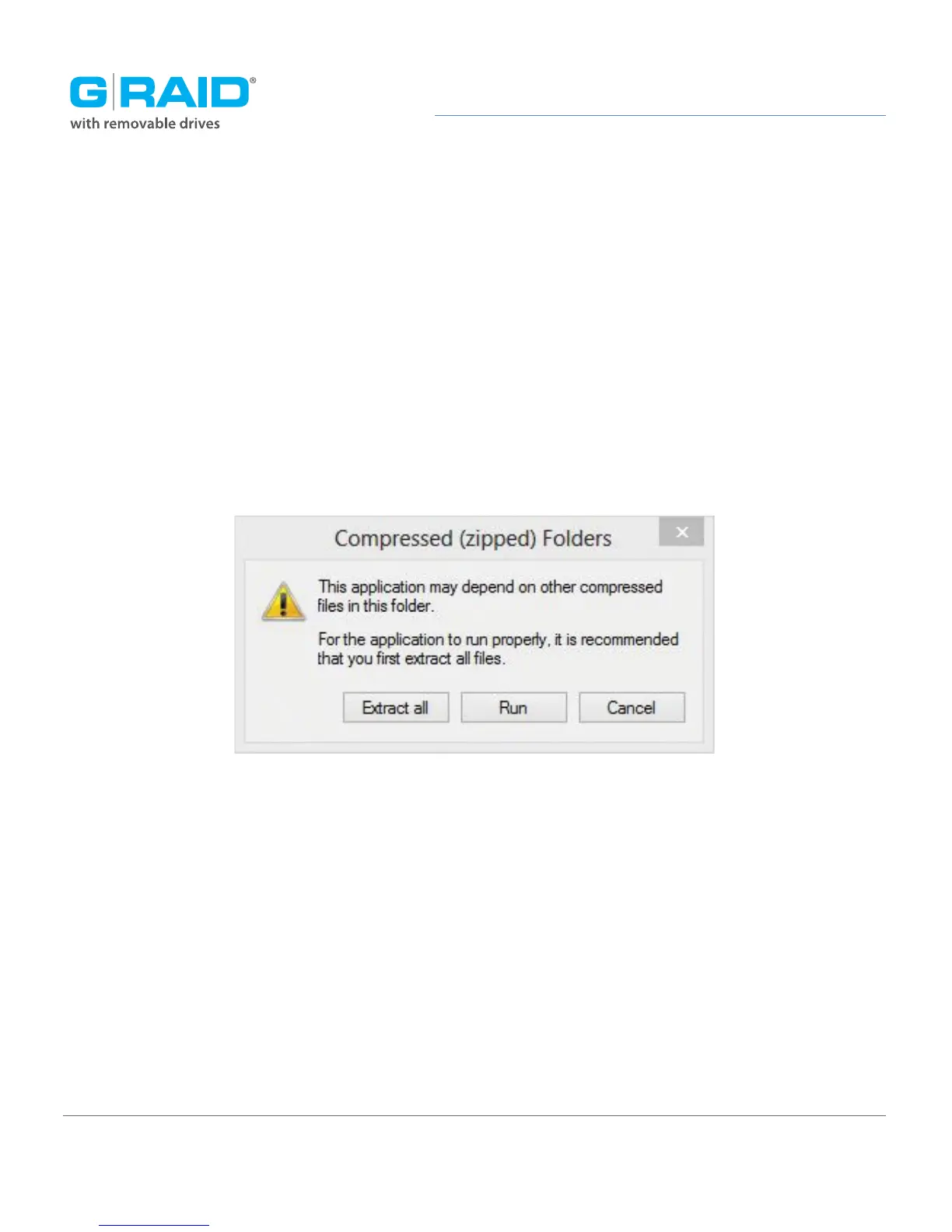
Once you have downloaded the RAID Configurator, you should launch it directly from
the zipped package with the application inside.














 To Next Page