p .33
Maintenance for Your Drive
Restore the Drive Icon
If the G-RAID drive icon was erased during the configuration process (see the previous
section), you can restore the icon with the following easy steps.
NOTE: This process is not required for the operation of the G-RAID. However, it will make
your drive’s appearance on the computer desktop look cleaner and more accurate.
1. To get the G-Technology icon package, go to www.g-technology.com/support and
navigate to your product. There will be a link to download the icons on the product
support page.
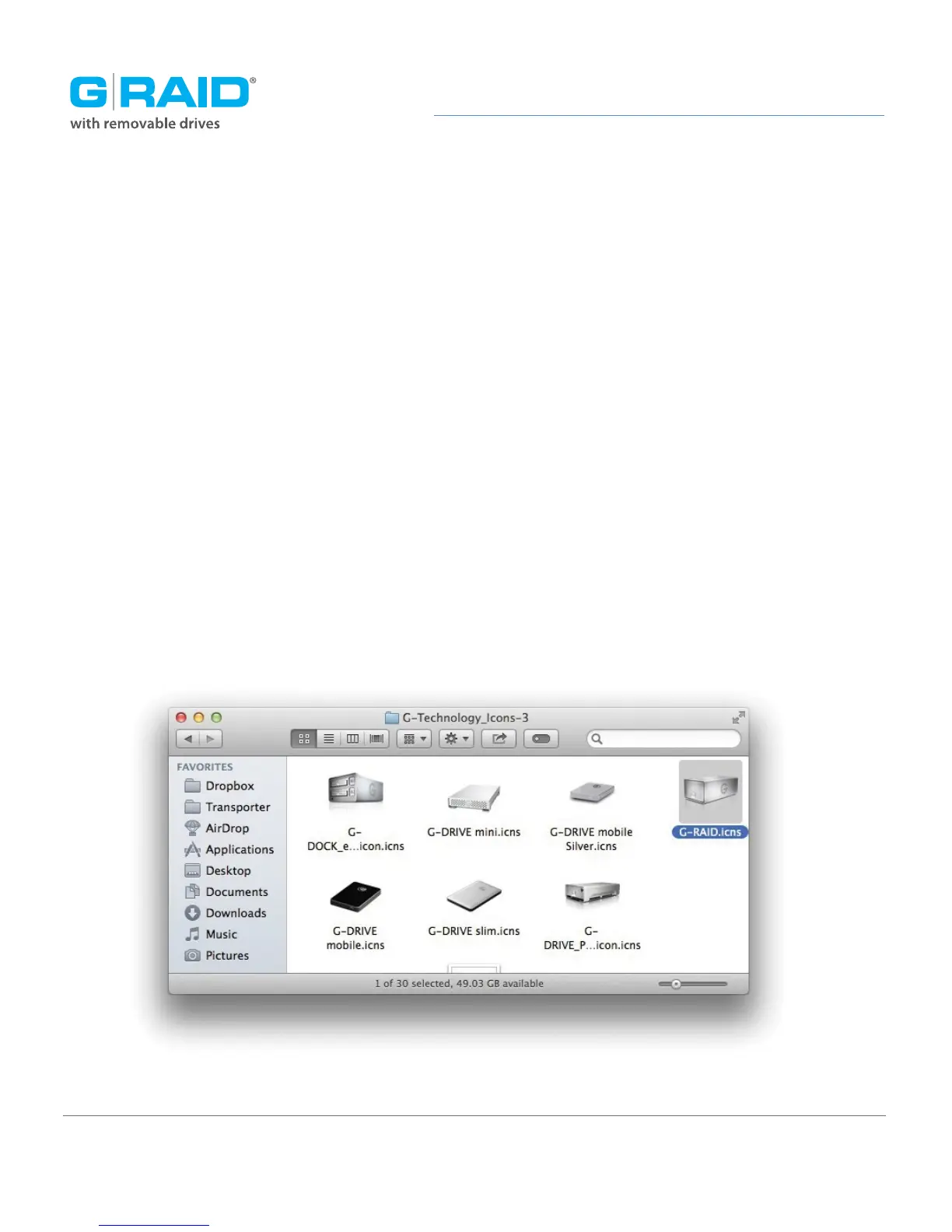
2. Once downloaded, the G-Technology icons folder shown below should load
automatically. If not, double-click the zip file to open. Next, double-click the DMG
file to open the G-Technology icons package.
3. Click to select the drive icon for G-RAID in the package window. Press Command+C
to copy the icon.














 To Next Page