p. 17
Using Your Drive
Supported RAID Modes
G -RAID is preconfigured in RAID 0 (Performance) mode, for use with Mac OS systems.
The drive can also be configured in RAID 1 (Protected) mode or JBOD mode. The following
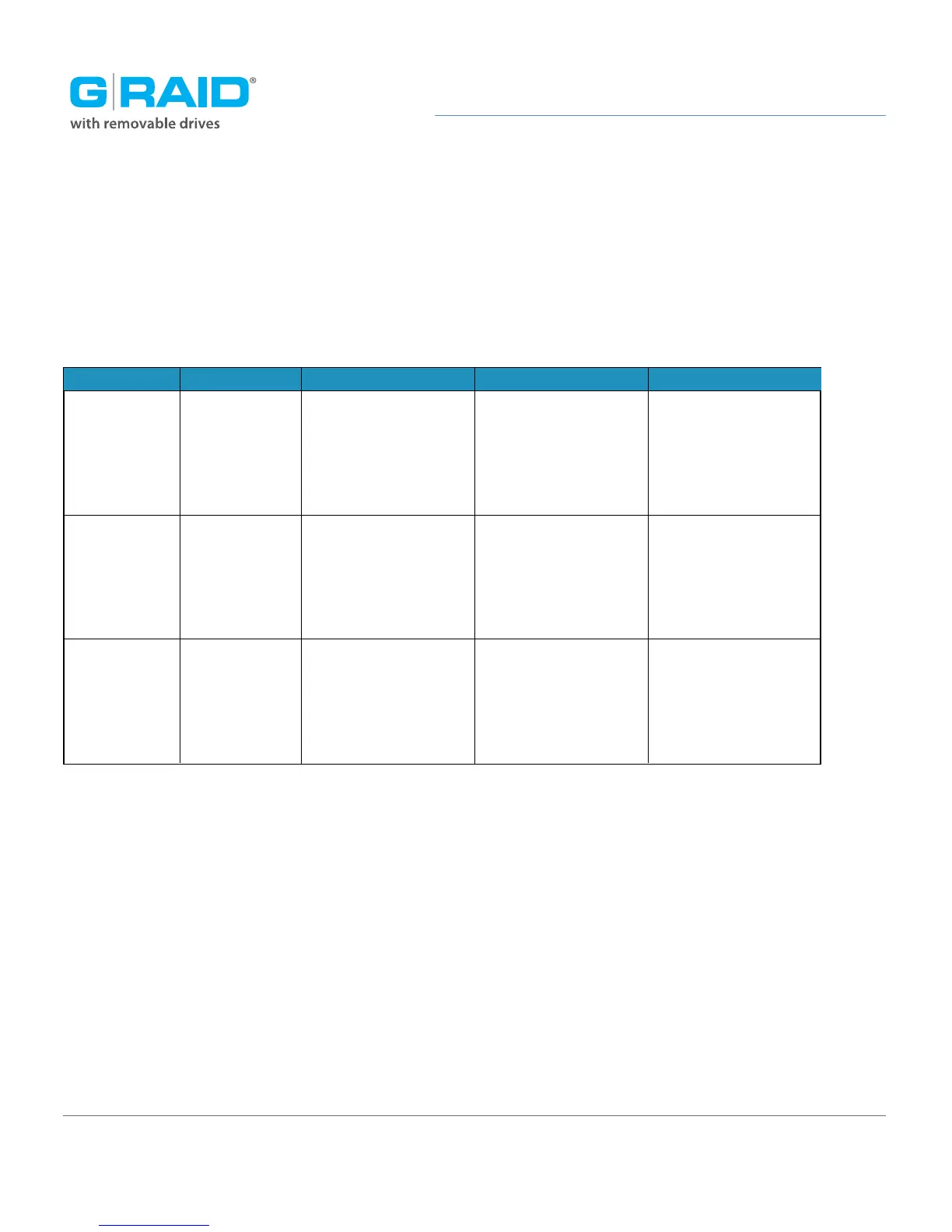
table explains the advantages and disadvantages for each RAID level.
To change the RAID mode of G-RAID, follow the steps in Configure the RAID Mode.
RAID 0 (Performance)
G-RAID ships in RAID 0 (Performance) mode. This RAID mode has 100 percent storage ca-
pacity and is ideal for video editing. In RAID 0 mode, the drives are combined and data
is split between the two drives for increased performance.
RAID 0
RAID 1
JBOD
Highest read/write
performance.
Storage capacity is
100% utilized.
Complete data
protection in case of
a single drive failure.
Storage capacity is
100% utilized. Partial
data protection if a
single drive fails.
RAID Level Advantage
Disk
Striping
Disk
mirroring
Disks not
RAIDed
Description
Disadvantage
Ideal For
No fault tolerance.
Single drive failure
will result in
complete data loss.
Read/write
performance is
reduced to half of
RAID 0 performance.
Read/write
performance is
reduced to half of
RAID 0 performance.
Highest storage
capacity utilization and
highest performance.
Sensitive data,
which requires
constant backing up.
High performance
not required.
Highest storage capacity
utilization when partial
data loss is acceptable.














 To Next Page