p. 40
Maintenance for Your Drive
Replace a Failed Drive Module
The internal components of G-RAID continually monitor the health of each of its disk
drives. In the event of a drive failure, a visual alarm will appear. Read more in Activity
and Failure LEDs.
RAID 0: If G-RAID was configured in RAID 0 (Performance) mode, a drive failure will
result in data loss.
RAID 1: If G-RAID is configured as RAID 1, a single drive failure will not result in data
loss. However, the array is now in a degraded or unprotected state, and the failed drive
should be replaced as soon as possible to avoid data loss.
Read more in Supported RAID Modes.
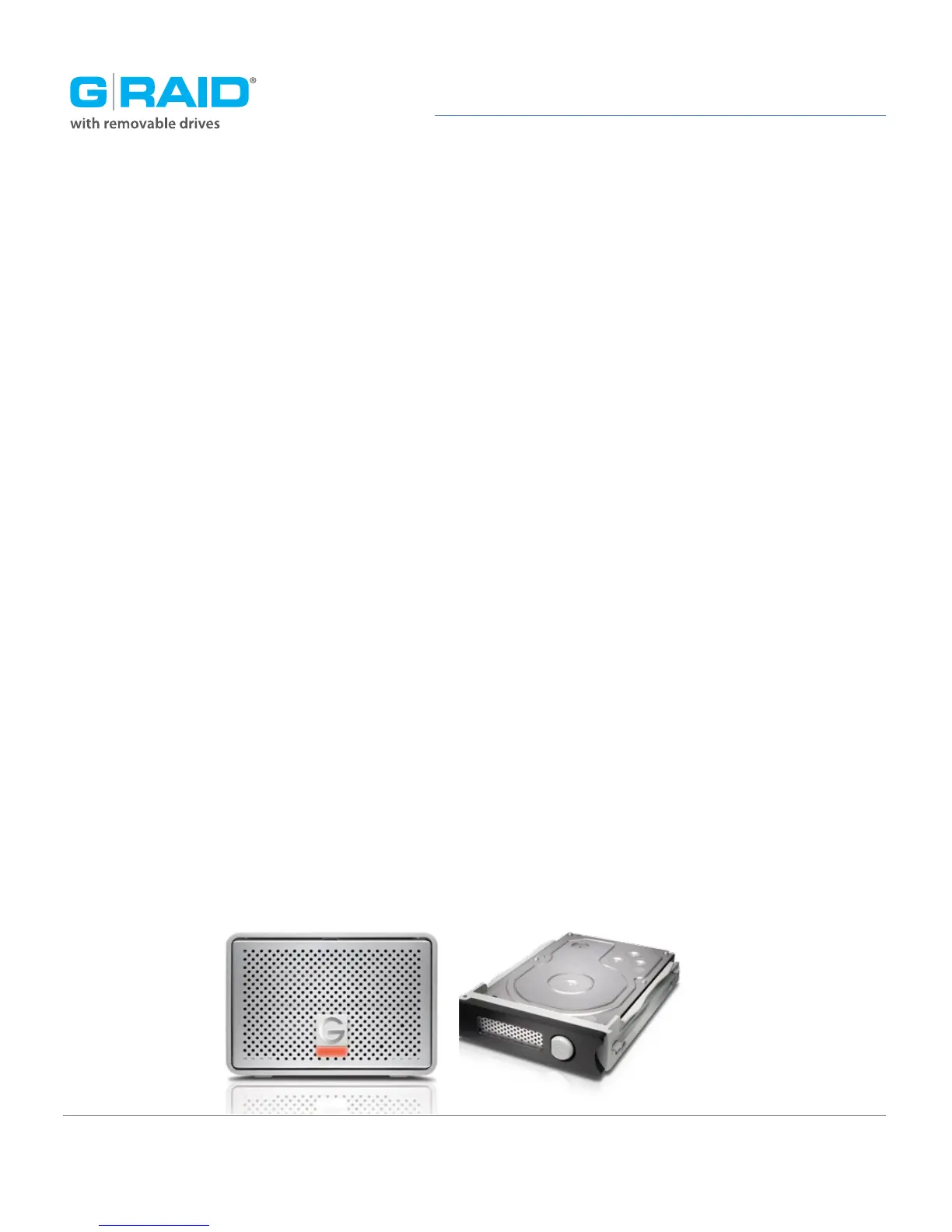
Follow the steps below to identify and replace a failed drive.
1. With the unit powered on, the flashing RED LED will indicate which drive module
failed. For more information, see Activity and Failure LEDs.
2. Remove the failed drive by pressing the module release button, and gently sliding
the drive module out of the enclosure.
3. Replace the failed drive with a new disk module. Secure it in place by pushing in the
drive and latching the handle.
NOTE: During the 3-Year warranty period, contact G-Technology Technical Support for
replacement of a defective drive module.














 To Next Page